
Picture an agency owner with 40 paying SaaS customers. The numbers look healthy: new sign-ups every week, monthly payments coming in, a branded platform with their name on it. Then they look closer. Six customers cancelled this month. Three more haven't logged in since the week they joined. One has sent the same support question twice.
None of that shows up in a sign-up counter. Yet it decides whether the business grows or just keeps refilling a leaky bucket.
What Is Churn in a GoHighLevel SaaS Business?
Churn is the number of customers, or the amount of revenue, you lose over a period of time. In a SaaS business, it's mostly customers cancelling their subscription, or their subscription ending because a payment failed.
There are a few types worth separating:
- Customer churn: how many customers left.
- Revenue churn: how much monthly income left. It also counts downgrades, where a customer stays but pays less.
- Voluntary churn: the customer chose to cancel.
- Involuntary churn: the subscription ended because a card failed or expired, not because the customer decided to go.
Here's a simple example. An agency starts the month with 100 customers and 8 cancel. Customer churn rate = (customers lost during the period ÷ customers at the start of the period) × 100. So 8 ÷ 100 × 100 = 8%. Remember, this is only an example, not an industry benchmark. Your own number matters more than anyone else's average.
Customers lost and revenue lost aren't the same thing. If those 8 customers were all on your cheapest plan, your revenue churn is smaller than 8%. If they were your biggest accounts, it's larger. Track both.
Why it matters: every customer you keep is revenue you don't have to win again. High churn makes your monthly income harder to predict, makes each new customer cost more to be worth it, and makes growth feel like running up a down escalator.
Why Do GoHighLevel SaaS Customers Cancel Their Subscriptions?
People rarely cancel for just one reason, and different reasons need different answers. Here are the common ones.
| Reason | What it looks like | What helps |
|---|---|---|
| Poor onboarding | They have a login and don't know where to start | A clear start-up process, guided setup |
| Low adoption | They use one feature out of twenty | Training, templates, check-ins |
| Unclear value | They can't say what the subscription does for their business | Help them reach one useful result early |
| Wrong expectations | They thought the software would bring leads by itself | Honest selling before they subscribe |
| Technical trouble | Workflows, email or texts don't behave as expected | Fast support, fixing the root cause |
| Weak support | Questions sit unanswered | Clear ways to ask for help, someone responsible |
| Price concerns | The cost feels higher than the benefit | Look at plan fit, or show the value they're not using |
| Business change | They closed, merged or changed systems | Accept it, learn from it, leave the door open |
Notice that not every cancellation can be prevented. If a customer closes their business, no workflow will fix that. The goal isn't zero churn. It's fewer avoidable cancellations, and a better understanding of the rest.
Build a Structured Customer Onboarding Process
Onboarding is the first real test of your product. A customer who can't get started in the first days rarely gets a second chance.
What GoHighLevel does by itself. When a customer buys a plan through SaaS Mode, GoHighLevel can create their sub-account (their own account inside your platform) and load a snapshot (a saved copy of a setup, with pipelines, forms, calendars, workflows and so on). That gives them a working starting point. This is provisioning, and it's set up in the SaaS Configurator.
What you still have to build. Provisioning isn't onboarding. A new customer also needs to know where to log in, what to do first, how to get help and what their plan includes. That takes welcome messages, a checklist, training and a human follow-up, and some of it needs workflows you design.
An example. A real estate agency subscribes to your branded CRM. Their first week might look like this:
- A welcome email with login details.
- An account that already has a lead pipeline and lead forms.
- Follow-up workflows already switched on.
- A short checklist: connect your calendar, test your lead form, send a test message.
- A training call, or a short guide.
- A check-in a few days later, asking whether the first lead came through.
Items 1 to 3 can be largely automatic once the snapshot and workflows are built. Items 4 to 6 need design, and the training and check-in benefit from a real person.
Help Customers Experience Value Quickly
Time to value is how long it takes a customer to get their first useful result. The sooner they see something worth paying for, the easier the subscription is to justify.
Early wins might be a first lead captured, a first automatic follow-up sent, a first appointment booked, or a first pipeline organised. Which one matters depends on the customer. A dentist and a roofer don't want the same first win.
A simple 30-day plan could be: in week one, get them logged in and the basics working; in week two, help them reach one real result; in week three, introduce one more feature that fits their business; in week four, check in and ask how it's going. Don't expect every customer to hit the same milestones on the same days. Use the plan as a guide, and adjust it for each type of customer.
Improve Product Adoption and Engagement
Having access isn't the same as using something. A platform with dozens of features can overwhelm people, and customers who only use a small part of it may decide it isn't worth the price.
What helps: short walkthroughs for the features that matter most, ready-made templates, regular check-ins, and messages that help people use the product. GoHighLevel's email, SMS, forms, calendars and workflows can all support this. Keep the messages useful. If every email feels like a promotion, people tune out.
Identify Customers at Risk of Churning
Churn is a lagging signal. By the time someone cancels, the decision was probably made weeks ago. You want earlier clues, such as:
- Onboarding never finished.
- They haven't done anything meaningful in the platform.
- Support questions that stay unresolved.
- The same technical problem happening again.
- A failed payment.
- Negative feedback, or a question about how to cancel.
- Fewer replies to your messages.
Here's the honest part. We haven't found any official GoHighLevel feature that automatically tracks every customer's login activity, or gives each customer a health score or a churn prediction. So you build a simple version yourself, using the tools you do have:
- Custom fields and tags on the customer's contact record in your own account, such as onboarding status, last check-in date, support status and a risk rating.
- Subscription status, which comes from your billing.
- Workflows that update those fields and alert your team.
- A manual review each week or month of customers who look quiet.
- Outside tools or the API, if you want real usage data or a dashboard. That takes extra setup.
Also, don't assume you can see everything inside each customer's sub-account. What the agency can see depends on how things are set up, so check it in your own account before you plan around it.
Build Proactive Customer Support
Good support stops small problems turning into cancellations. That means an easy way to ask for help, someone who owns each issue, a follow-up when it's fixed, and a record of what happened.
Say a customer's workflow keeps failing. If you only answer each message, you'll be answering the same one next week. Find the root cause, fix it, and tell the customer. That's what earns their trust. Automation can capture requests, notify your team and remind people about overdue issues. For complicated technical problems, you still need a person.
Collect Feedback and Understand Cancellation Reasons
You can't fix what you don't know about. Ask early (a quick question after onboarding), ask during the relationship (short check-ins), and ask when someone leaves (a cancellation reason). GoHighLevel's forms and surveys can collect the answers, and workflows can route them. Group the reasons into a few buckets: pricing, product functionality, technical problems, onboarding, support, business closure and other. Over a few months, patterns appear. If a quarter of your cancellations say "I never got set up", the fix is in onboarding, not in a discount.
Configure a SaaS Cancellation Prevention Process
GoHighLevel has a Custom SaaS Cancellation Flow. Here's what its official help page says, as of November 2026.
- It's available to agencies using the SaaS Configurator. The main switch that lets clients cancel is off by default for new SaaS businesses. When it's on, a "Modify / Cancel" button appears in each sub-account's billing area.
- Instead of a one-click cancel, you can build a multi-step experience: your own wording, a list of cancellation reasons (default ones, ones you add, and an "Other" option where the customer can type their own reason), and a next step.
- You can offer a time-limited percentage discount, for example 25% for a set number of months. Discount offers are currently for V1 sub-accounts only.
- You can redirect the customer to an outside page, such as a booking link or a survey. If you do, the cancellation doesn't complete inside HighLevel. If they close the browser, the subscription stays active and is logged as deflected.
- Every attempt is logged, including the outcome (cancelled or deflected), the reason and the type. You can download the log as a CSV file.
- A preview mode lets you run through the customer's journey without changing anything.
Which version are you on? HighLevel has two billing setups, called SaaS V1 and SaaS V2. V1 uses Stripe as the main record for subscriptions. V2 uses an agency sub-account inside HighLevel. V2 isn't simply a newer, better V1: HighLevel says it doesn't yet support every V1 feature, and the discount offer is one example. Check which one each of your plans uses before you design anything.
How to use it well, by reason:
| If the reason is… | A sensible response | Human involvement |
|---|---|---|
| Low usage | Offer a training session or onboarding help | Yes, a quick call or message |
| Price | Check whether a cheaper plan or different package fits | Yes, a short conversation |
| Technical problems | Send them to support, not a discount | Yes, a real fix |
| No longer needed | Accept it, thank them, collect feedback | Minimal |
| Something else | Read the comment, follow up if it helps | Depends |
Two cautions. First, a discount isn't a cure. It might keep a customer for a few months without solving why they wanted to leave. Second, keep cancellation fair. Customers should be able to leave through a clear path. Use the flow to understand and help, not to put up barriers. A cancellation flow is one part of retention, not the whole thing.
Automate Customer Retention Workflows
Workflows are where GoHighLevel can save you real time. HighLevel has a Subscription trigger in its workflows that can start automations when a subscription is created, when a trial becomes active, or when a subscription is cancelled. You can filter by product or by subscription status. The trigger gives you the event. It doesn't give you a full customer-health system on its own.
Here are five workflows to consider, with what's built in and what you have to add.
| Workflow | What starts it | What you have to build | Human involvement |
|---|---|---|---|
| A. New subscriber | Subscription trigger: new subscription | Welcome message, team alert, onboarding sequence, onboarding status field | Training call |
| B. Stalled onboarding | A status field you keep updated, plus a wait step | The status field itself; GoHighLevel doesn't track this by default | Someone offers help |
| C. Support follow-up | A form or a ticket in the system you choose | Owner assignment, reminders, escalation | Fixing the issue |
| D. Cancellation | Subscription trigger: cancelled; the cancellation log | Record the reason, alert the team, offboarding steps | Review and learn |
| E. Payment problem | Subscription status such as failed | Customer message, team alert, record update | Follow up if unresolved |
A few things to check by testing, not assuming: exactly when the cancellation event fires, what happens to a customer's access afterwards, and which statuses are available on your billing setup. Agencies have also asked HighLevel for better automated offboarding, such as cancelling add-ons when a subscription ends, so don't assume that part is automatic. For payment failures, Stripe's own tools (such as dunning settings) are available in V1, while V2 handles retries inside HighLevel's payments area. Pick the approach that matches your version.
How to Use GoHighLevel to Build a Customer Retention System
Put together, a simple retention system in GoHighLevel has four layers.
- Provisioning. SaaS Configurator plans and snapshots give each customer a working starting point.
- Communication. Workflows send onboarding, check-in and support messages by email and SMS.
- Tracking. Custom fields, tags and pipelines in your own account record where each customer is.
- Review. A regular look at the list, plus the cancellation log, to decide who needs a human.
What it doesn't include: automatic login tracking, a built-in health score or churn prediction, or a single dashboard with every retention metric. If you want those, they take custom fields, workflow logic, an outside dashboard or API work. That's a perfectly good choice. It just needs planning.
SaaS Retention Metrics Every GoHighLevel Agency Should Track
Numbers tell you whether the system is working. We won't give you benchmarks, because they vary too much by market and customer type. Start by measuring your own.
| Metric | What it measures | Why it matters | How to use it |
|---|---|---|---|
| Customer churn rate | Customers lost ÷ customers at the start | Shows how many people leave | Track monthly; compare over time |
| Revenue churn | Monthly income lost to cancellations and downgrades | Shows how much money leaves | Compare with customer churn to see who is leaving |
| Retention rate | Share of customers still active after a period | The flip side of churn | Useful for cohorts, such as sign-ups from one month |
| MRR | Monthly recurring revenue | The size of your subscription income | Watch the trend, not one month |
| Customer lifetime value | Roughly, average revenue per customer × how long they stay | Shows what a customer is worth | State your assumptions; it's an estimate |
| Acquisition cost | What you spend to win a customer | Retention affects whether it pays back | Compare with lifetime value |
| Activation rate | Share of new customers reaching a set milestone | Shows if onboarding works | Pick a milestone that fits your product |
| Time to value | Days until the first useful result | Faster usually means happier | Track per customer type |
| Product adoption | Share using the features that matter | Shows who might be drifting | Needs custom tracking |
Some of these come straight from your subscription records (customer churn, revenue churn, MRR). Others, like activation, time to value and adoption, need extra tracking that you set up yourself. Don't assume GoHighLevel shows all of them in one place.
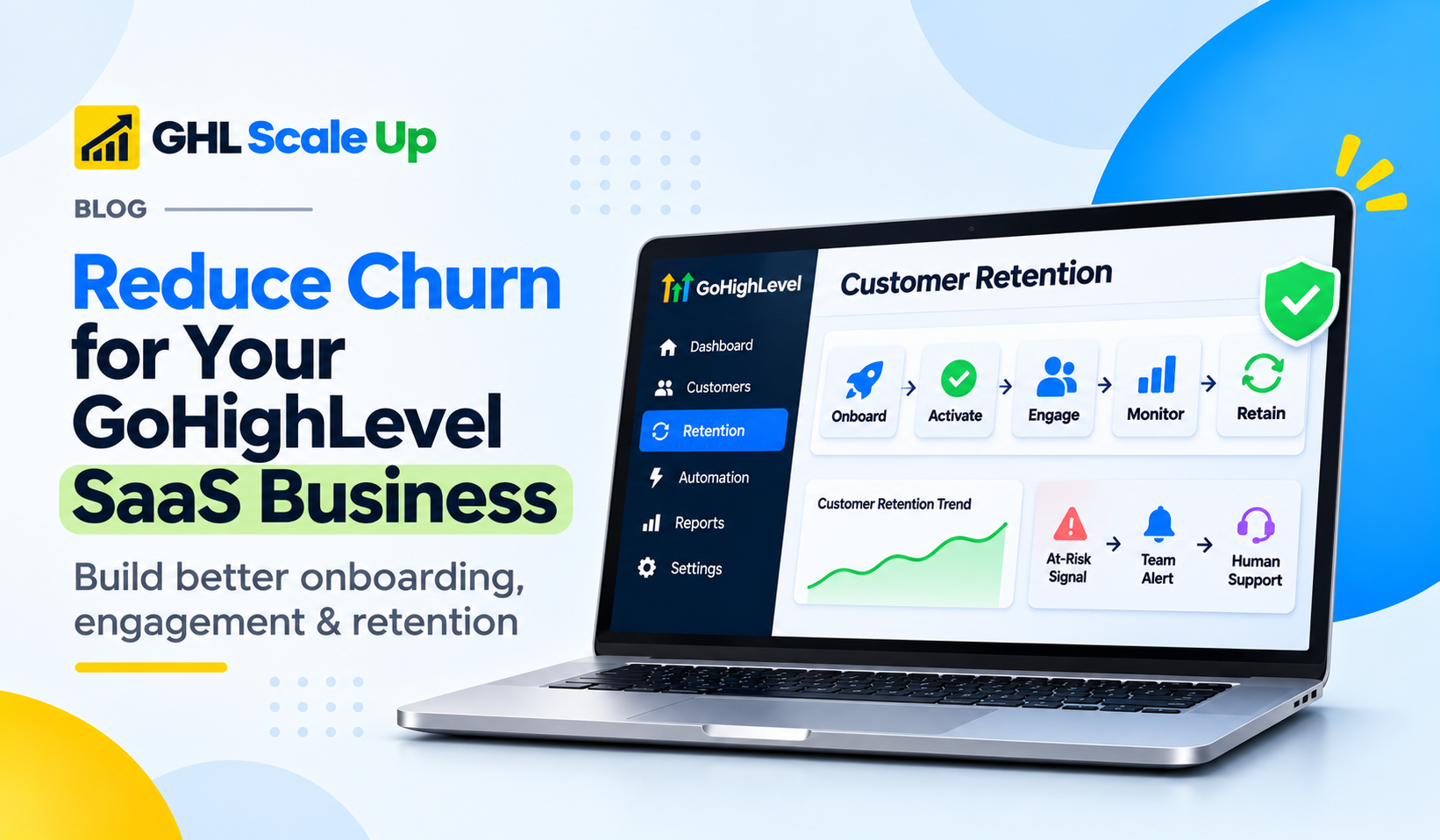
A Practical Five-Stage Customer Retention Framework
To keep it all straight, here's a simple way to organise the work. It's an editorial framework we've put together for this article, not an industry standard.
| Stage | What you do | GoHighLevel can help with | Needs a human | Metric to watch |
|---|---|---|---|---|
| 1. Acquire | Set honest expectations before they subscribe | Landing pages, forms, clear plan descriptions | Yes, in sales conversations | Early cancellations |
| 2. Activate | Help them set up and get a first win | Snapshots, welcome workflows, checklists | Training call | Activation rate, time to value |
| 3. Engage | Encourage regular, useful use | Email, SMS, calendars, forms | Check-ins | Adoption |
| 4. Monitor | Spot trouble early | Custom fields, tags, subscription trigger, alerts | Weekly review | At-risk count |
| 5. Retain | Fix problems, support, listen | Cancellation flow, support workflows, surveys | Real fixes | Churn, retention |
How GHL Scale Up Can Help You Build a Retention-Ready SaaS System
Your SaaS customers shouldn't have to figure everything out on their own. A well-planned GoHighLevel setup can help you guide them from sign-up to onboarding, active use and ongoing support.
GHL Scale Up is a GoHighLevel implementation and automation partner. Our SaaS setup service covers areas such as the SaaS Configurator and plans, snapshots, onboarding and cancellation flows, and rebilling, and we also offer workflow automation, CRM setup, reporting and integration work. What's included in a project is agreed up front, because every agency starts from a different place.
We can't promise lower churn, and software settings alone won't keep a customer. What we can do is help build the technical systems behind a better customer experience, such as onboarding workflows, tracking fields, alerts and cancellation handling, so your team can spend its time on the human parts.
If you're setting this up yourself, our GoHighLevel SaaS Mode setup guide is a good place to start.
Frequently Asked Questions
What is churn in a SaaS business?
Churn is the number of customers, or the amount of revenue, lost over a period, usually because people cancel or payments fail.
How do you calculate SaaS customer churn?
Divide the customers you lost during the period by the customers you had at the start, then multiply by 100. Losing 8 of 100 customers is 8%.
What is the difference between customer churn and revenue churn?
Customer churn counts people. Revenue churn counts money, including downgrades. Losing five small customers and one large one can give you different answers.
Why do SaaS customers cancel?
Common reasons are poor onboarding, low use, unclear value, wrong expectations, technical problems, weak support, price, and changes in their business.
How does onboarding affect retention?
Customers who get started well reach value sooner, which makes the subscription easier to justify. Weak onboarding is a common early reason for leaving.
How can agencies identify customers at risk of leaving?
Look for unfinished onboarding, low use, unresolved support issues, failed payments and negative feedback. In GoHighLevel, track these with custom fields, tags, workflows and regular manual review.
Does GoHighLevel give you a customer health score?
We haven't found an official built-in health score or churn prediction. You can build a simple one with fields, tags and workflows, or connect an outside tool.
What is the GoHighLevel Custom SaaS Cancellation Flow?
It lets agencies replace the one-click cancel with a multi-step flow that can collect reasons, offer a discount (V1 only) or redirect to an outside page, with every attempt logged.
Can GoHighLevel automate subscription workflows?
Partly. The Subscription trigger can start workflows when a subscription is created, moves from trial to active, or is cancelled. Other steps need extra setup, so test them.
Which metrics should agencies track?
Customer churn, revenue churn, retention rate, MRR, lifetime value, acquisition cost, activation rate, time to value and adoption.
Build a Better Customer Experience for Your GoHighLevel SaaS Business
Getting customers to subscribe is only the first step. Keeping them takes a good start, early wins, steady support, a way to notice trouble and a fair exit. Some of that GoHighLevel can automate. Some of it needs your attention. Not every cancellation can be prevented, and that's fine, as long as you learn from each one.
Building a GoHighLevel SaaS business takes more than setting up subscription plans. Your onboarding, automation, customer management and retention processes need to work together. If you'd like help configuring the systems behind your offering, get in touch or book a call, and we'll talk through what you need.
Still have questions about reducing churn for your GoHighLevel SaaS business?
Talk to our GHL experts directly. We're here to help.
Related Articles in This Series
We can't promise lower churn, but we can help build the systems behind a better customer experience.
GHL Scale Up is a GoHighLevel implementation and automation partner. If you'd like help configuring the systems behind your offering, get in touch or book a call.
Book Your Free Call
Official HighLevel behavior referenced was checked November 2026. HighLevel changes features and settings often, so confirm current details in your account before planning.
ghlscaleup.com