

The 25-Day Deadline You Need to Know Before You Start
This is the single most important fact in this guide. HubSpot gives you 25 days to export your data after you cancel your subscription. After that window closes, your data is permanently deleted from HubSpot's servers.
Do not cancel HubSpot until all three of these are true:
- Every contact, deal, and property has been exported and validated inside GoHighLevel
- Every active workflow has been rebuilt in GHL and tested with real contacts
- You have run both platforms in parallel for at least two weeks with no critical errors
Cancelling early before validating the GHL side is actually working is the single most expensive mistake in a HubSpot migration, because there is no way to go back and re-export once the 25-day window closes.
What Transfers From HubSpot to GoHighLevel (and What Breaks)
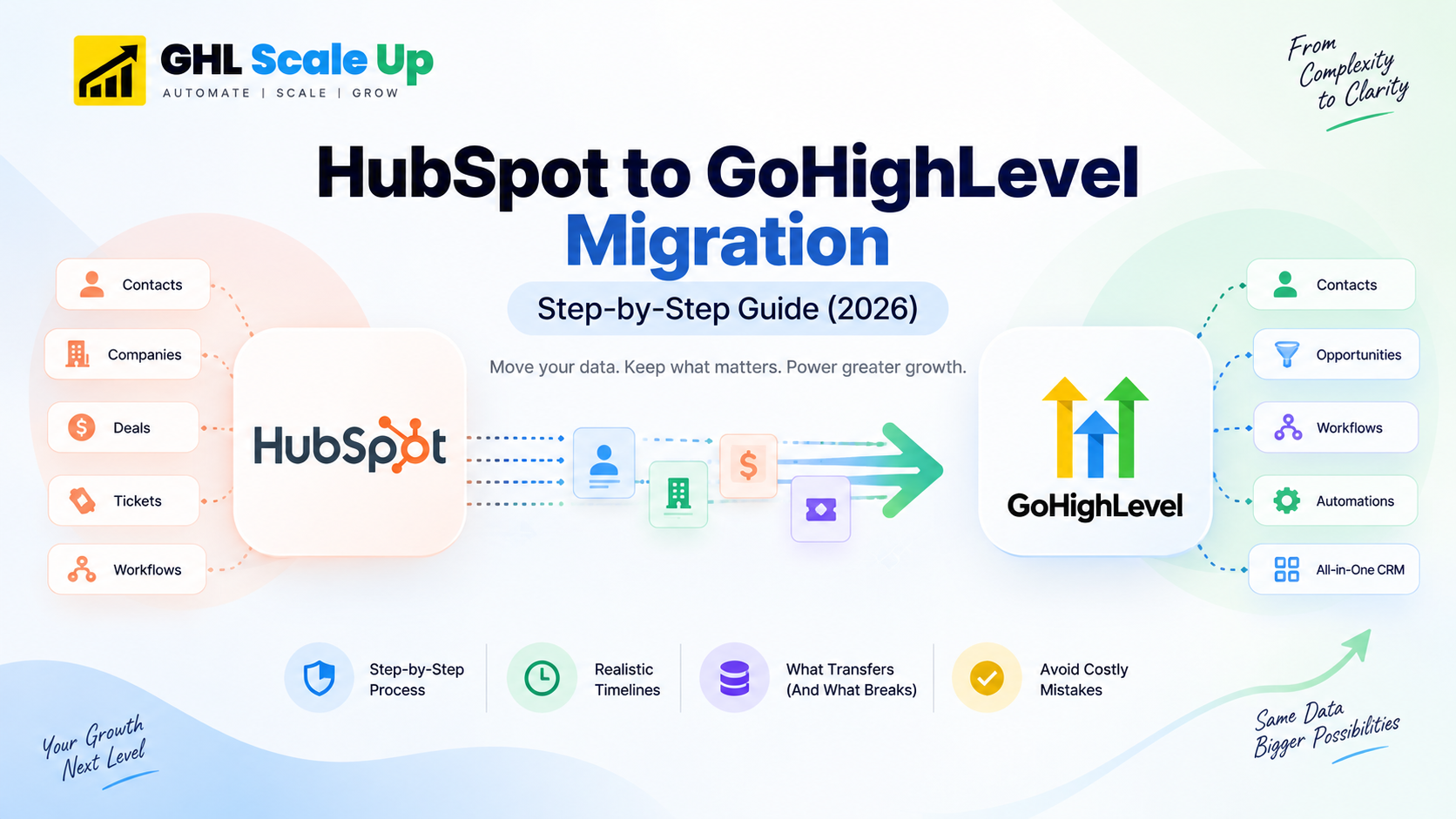
Understanding the structural mismatch before you export a single record is what separates a clean migration from weeks of manual cleanup. HubSpot uses a relational schema: Companies contain Contacts, Contacts link to Deals via associations, and Activities fan out across every object. GoHighLevel is contact-centric: everything radiates from a flat Contact record.
| HubSpot Asset | What Happens in Migration | Action Required |
|---|---|---|
| Contacts (name, email, phone) | Transfers via CSV export/import | Clean and deduplicate before importing |
| Custom contact properties | Requires field mapping | Create matching GHL custom fields first, then map during import |
| Deal pipeline stages | Does not transfer as structure | Recreate pipeline stages manually in GHL, then import open deals |
| Deal activity history & notes | Partial CSV export only | Export notes separately, import as GHL contact notes |
| Company-to-contact associations | Does not transfer | Rebuild groupings using GHL custom fields or tags |
| Active automation workflows | Does not transfer | Full rebuild required in GHL's workflow builder |
| Email templates | Does not transfer | Recreate in GHL's email builder |
| Landing pages and forms | Does not transfer | Rebuild in GHL's funnel/form builder |
| Multi-branch workflow logic | Does not transfer | Rebuild using GHL If/Else conditions |
| Email sending domain | Requires reconfiguration | Set up DKIM/SPF for GHL, warm the domain over 2–3 weeks |
What you can export depends on your plan. Starter accounts have limited API access and fewer custom property slots to begin with. Professional and Enterprise accounts have full API access, which makes bulk export and validation considerably faster if your team has developer resources, using the API instead of manual CSV export is worth the setup time on larger accounts.
HubSpot workflows fall into three categories contact-based, deal-based, and ticket-based. Contact-based workflows (the most common) map most directly to GHL's trigger system. Deal-based and ticket-based workflows generally require rebuilding the underlying pipeline structure in GHL before the workflow logic itself, since GHL doesn't have a separate "ticket" object ticket-style processes are usually rebuilt as a dedicated pipeline.
Step-by-Step: How the Migration Actually Works
Audit your HubSpot account before touching anything.
List every active workflow (noting whether it's contact-, deal-, or ticket-based), every pipeline stage, every custom property, and every integration. Migration is the best opportunity you'll get to remove years of unused automation clutter.
Export your HubSpot data.
Go to Contacts → Export for your contact database. Export Deals separately from Sales → Deals. Export deal notes and activity logs on their own these do not travel with the standard contact/deal export.
Build your GoHighLevel infrastructure before importing anything.
Create your custom fields to match your HubSpot properties, build your pipeline stages, and set up your email domain and phone number. For the domain authentication and warmup process specifically, see GHL's workflow automation guide the setup steps are the same regardless of which platform you're migrating from.
Import contacts and validate immediately.
Map each CSV column to its GHL field, then spot-check 50–100 imported contacts before doing anything else. Catching a mapping error now is far cheaper than catching it after workflows are live.
Rebuild your automation workflows, starting with your highest-volume ones.
For contact-based workflows, recreate the trigger and action sequence directly. For deal- and ticket-based workflows, confirm your GHL pipeline structure matches before rebuilding the automation logic on top of it. Use If/Else conditions to replicate HubSpot's branching logic.
Run both platforms in parallel for 2–3 weeks.
New leads flow into GHL; existing active deals continue running in HubSpot until they close. This overlap period is what surfaces gaps before you're fully committed.
Cut over, then cancel and remember the 25-day window.
Redirect all lead-capture points, update embed codes, and take a final backup export from HubSpot before cancelling.
How Long a HubSpot to GoHighLevel Migration Takes
These figures run higher than a general GoHighLevel migration's baseline because of HubSpot's relational data structure rebuilding associations and deal history adds real time that a simpler platform migration wouldn't require. For how these compare across other source platforms, see the general GHL migration timeline guide.
| Migration Type | Contacts | Active Workflows | Estimated Timeline |
|---|---|---|---|
| Simple solo business | Under 5,000 | Fewer than 5 | 3–4 weeks |
| Standard small agency | 5,000–20,000 | 5–15 | 4–6 weeks |
| Complex growing agency | 20,000–50,000 | 15–30+ | 6–8 weeks |
| Enterprise (10+ client accounts) | 50,000+ | 30+ across clients | 8–12 weeks |
The contact import itself takes hours, not weeks. The automation rebuild is what drives the timeline a complex multi-branch workflow can take 4–8 hours to correctly replicate in GHL's builder.
The Two Mistakes Unique to HubSpot Migrations
Most migration mistakes skipping domain warmup, migrating dead automations, cutting over without parallel testing apply to any platform switch, and we've covered those in detail in 8 common GHL migration mistakes. Two mistakes, though, are specific to HubSpot's structure:
Cancelling before the 25-day window closes without full validation.
Fix: Keep HubSpot active until you have run GHL in parallel for at least two weeks and confirmed everything works. There is no undo once HubSpot deletes your data.
Treating company-to-contact associations as optional.
Fix: Rebuild groupings using GHL custom fields or tags skipping this means losing visibility into which contacts belong to which client account.
Frequently Asked Questions
What data transfers automatically from HubSpot to GoHighLevel?
Contacts, custom properties (via field mapping), open deals, and tags transfer via CSV export and import. Automation workflows, email templates, landing pages, company associations, and deal activity history do not transfer automatically and must be rebuilt manually inside GoHighLevel.
How long does a HubSpot to GoHighLevel migration take?
A straightforward migration with under 5,000 contacts and fewer than five active workflows takes 3–4 weeks. A standard agency migration with 5,000–20,000 contacts takes 4–6 weeks. Multi-client agency migrations with 30+ workflows typically take 8–12 weeks.
What happens to my HubSpot data if I cancel before finishing the migration?
HubSpot provides a 25-day export window after cancellation. After that, the data is permanently deleted. Don't cancel until your GHL system is fully validated and has run in parallel for at least two weeks.
Do HubSpot workflows transfer to GoHighLevel automatically?
No. Workflow logic triggers, branching conditions, and actions must be rebuilt manually in GHL's workflow builder. Contact-based workflows map most directly; deal- and ticket-based workflows require the underlying pipeline structure to be rebuilt first.
Can I migrate from HubSpot to GoHighLevel myself, or do I need help?
It's possible to do it yourself if you're comfortable with CSV field mapping and rebuilding automation logic from scratch. For accounts with complex deal associations, multiple client sub-accounts, or 15+ active workflows, most teams find it faster to use a migration service rather than absorbing the learning curve mid-project.
Related Articles in This Series
Ready to move from HubSpot to GoHighLevel?
Don't risk your data. We've done this 200+ times. Field mapping, workflow recreation, pipeline restructure, email warmup, and 30-day post-migration support all handled. Book a free migration assessment.
Book Your Free Migration Assessment