

The Kajabi Course Importer: What It Actually Does
This is the single most misunderstood part of a Kajabi migration, so it's worth being precise about it.
In GHL, go to Memberships → Courses → Products → Create Product → Import. You'll create a learner profile inside Kajabi, then enter that learner's login credentials and your Kajabi domain into GHL's importer.
All videos, images, and text content for lessons that are published in Kajabi including nested and hidden lessons behind "Show More" sections, per recent reliability improvements to the importer.
Unpublished or draft lessons are skipped entirely. Quizzes, assignments, and assessments are explicitly excluded per GoHighLevel's own documentation, these come through as empty shells that need to be manually rebuilt. Custom CSS themes don't carry over either; GoHighLevel recommends removing custom CSS before importing for the smoothest result.
Practical implication: for a course that's mostly video lessons with a few quizzes, the importer handles the bulk of the heavy lifting (video and content upload) automatically, and your manual work concentrates on the quizzes and assignments rather than every single lesson.
The Kajabi Email Template Importer
This is a separate tool from the course importer, and it imports something narrower: individual email template designs, not full automation sequences.
How it works: in GHL, go to Email Marketing → Templates → New → Import Templates, select "Kajabi" from the source dropdown, and you'll get a dynamically generated email address. Send the Kajabi template you want to import as a test email to that address, then confirm the import in GHL.
What it doesn't do: this brings over the visual design and copy of one email template at a time it does not import the automation logic behind a sequence (the trigger, timing, and branching that made it a "sequence" in Kajabi). That logic still has to be rebuilt manually as a GHL workflow, using the imported template designs as your starting content rather than building the design from scratch.
What Transfers vs. What You Rebuild
| Kajabi Asset | What Happens | Action Required |
|---|---|---|
| Course content (published lessons: video, image, text) | Imports automatically via the Kajabi Course Importer | Review imported lessons for formatting accuracy |
| Quizzes, assignments, assessments | Imports as empty shells only content not included | Manually rebuild each one |
| Unpublished/draft lessons | Not imported at all | Publish in Kajabi first if you want them included, or rebuild manually |
| Drip scheduling | Not part of the course import | Reconfigure release timing in GHL after import |
| Contacts and students | Transfers via CSV export/import | Clean the CSV, map fields during import |
| Tags and segments | Transfers via CSV column mapping | Create matching GHL tags first |
| Email template designs | Imports individually via the Kajabi Email Template Importer | Import each template you want to reuse, one at a time |
| Email automation logic (triggers, sequences, timing) | Does not transfer | Rebuild as GHL workflows, using imported templates as content |
| Offers and pricing plans | Does not transfer | Recreate in GHL order forms, reconnect Stripe |
| Kajabi Communities | Does not transfer | Rebuild in GHL Communities or migrate to an external platform |
| Affiliate program data | Does not transfer | Recreate in GHL's affiliate manager |
| Landing pages and funnels | Does not transfer via the course tool | Rebuild in GHL's funnel builder |
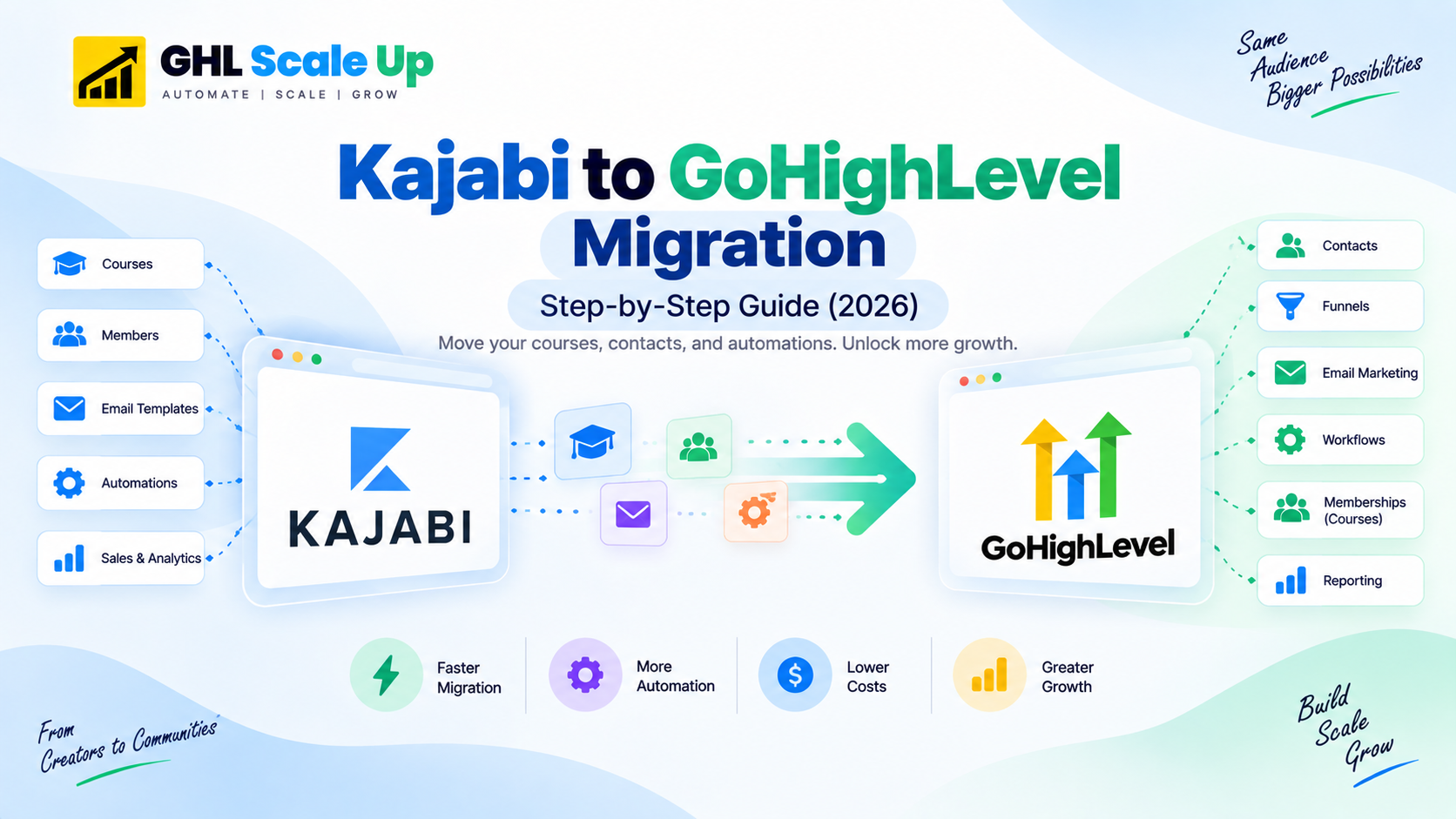
Step-by-Step: How to Migrate from Kajabi to GoHighLevel
Audit your Kajabi account.
List every course with its module/lesson count and note which lessons are published vs. draft only published lessons will import automatically. List active email sequences and which are worth rebuilding as workflows.
Export contacts and student records.
In Kajabi, go to People and export your contact list as CSV, plus student/purchase data separately. Clean the CSV before importing into GHL's Contacts.
Run the Kajabi Course Importer for each course.
Go to Memberships → Courses → Products → Create Product → Import, create a Kajabi learner profile for GHL to log in with, and start the import. Do this during off-hours to avoid disrupting current Kajabi learners, and back up any custom themes first.
Review imported courses and rebuild quizzes/assignments.
Check each imported lesson for formatting accuracy, then manually recreate every quiz and assignment the importer left as an empty shell. Reconfigure drip scheduling per course, since it isn't part of the import.
Import reusable email templates, then rebuild automation logic as workflows.
Use the Kajabi Email Template Importer for designs worth keeping, then recreate each sequence's trigger and timing in GHL's workflow builder. See GoHighLevel's workflow automation guide for the setup mechanics.
Rebuild offers, funnels, and reconnect Stripe.
Recreate your pricing plans as GHL order forms and reconnect payment processing none of this comes through the course importer.
Re-enroll students and run in parallel.
Invite existing students to create their GHL member portal login. Keep Kajabi active for 2–4 weeks while students transition, and don't cancel until active students have confirmed access in GHL.
How Long It Actually Takes
Because course structure and media now import automatically for published lessons, the timeline concentrates on quiz/assignment rebuilding, automation logic, and offer/funnel reconstruction not on re-uploading every video from scratch.
| Setup Complexity | Courses | Estimated Timeline |
|---|---|---|
| Simple (1–2 courses, minimal quizzes) | 1–2 | 1–2 weeks |
| Standard (3–5 courses, some quizzes/assignments, active community) | 3–5 | 3–5 weeks |
| Complex (6+ courses, heavy assessments, affiliate program, deep automation) | 6+ | 5–8 weeks |
What actually drives the timeline now: the volume of quizzes and assignments needing manual recreation, the number of email automations to rebuild as workflows, and offer/funnel reconstruction not the course content import itself, which runs largely unattended once started.
How Does Kajabi's Course Experience Compare to GoHighLevel's?
This is the question every Kajabi migrator asks before committing, and the honest answer hasn't changed with the corrected import facts above: Kajabi's course player, community features, and membership experience remain genuinely more polished than GoHighLevel's. GoHighLevel's membership module is functional and improving, but if your business is purely course-first and doesn't need SMS, pipeline CRM, or AI automation, weigh that trade-off carefully. If course delivery is one part of a broader operation that also needs those capabilities, the migration effort now meaningfully reduced by the course importer is easier to justify than it used to be.
| Feature | Kajabi | GoHighLevel |
|---|---|---|
| Course structure (modules and lessons) | Yes polished, intuitive builder | Yes functional, less polished UX |
| Video hosting | Native video hosting included | Video upload supported; many use Vimeo or Wistia |
| Drip content scheduling | Yes per-lesson release timing | Yes per-lesson drip available in membership settings |
| Student progress tracking | Yes detailed analytics | Basic completion tracking less granular than Kajabi |
| Quizzes and assessments | Yes built in | Yes quiz builder available |
| Community features | Kajabi Communities strong and native | GHL Communities (launched 2024) improving, not yet at Kajabi polish |
| Branded member portal | Yes clean student-facing experience | Yes branded on your domain |
| Affiliate management | Yes built in | Yes GHL affiliate manager |
| Native SMS | No email only | Yes full 2-way SMS throughout |
| AI Voice Agent | No | Yes answers calls, qualifies leads, books appointments |
| CRM and pipeline | Limited course-focused | Full CRM unlimited contacts and pipelines |
| Booking calendar | No | Yes replaces Calendly |
| Multi-client sub-accounts | No | Yes agency dashboard with unlimited sub-accounts |
| Monthly cost | $69 to $399/mo | $97 to $297/mo (more capability per dollar) |
Common Mistakes to Avoid
Assuming the course importer handles everything.
Fix: It handles published lesson content well, but quizzes, assignments, and drip settings still need manual work scope your timeline around what's actually excluded, not around rebuilding everything from scratch.
Leaving lessons unpublished in Kajabi before importing.
Fix: Only published lessons transfer. Publish everything you want migrated before running the importer, or plan to rebuild those specific lessons manually.
Re-enrolling students before testing the portal.
Fix: Create a test account, go through every lesson, confirm quizzes and drip releases work, and check the mobile experience before a single real student is re-enrolled.
Cancelling Kajabi before students confirm access.
Fix: Keep Kajabi active until every active student has logged into the GHL portal and confirmed their content is accessible.
Frequently Asked Questions
Can GoHighLevel import Kajabi course content automatically?
Yes, for published lessons. GoHighLevel's Kajabi Course Importer brings over videos, images, and text content automatically. Quizzes, assignments, and assessments are not included and must be rebuilt manually, and unpublished lessons don't transfer at all.
Does GoHighLevel have a Kajabi email importer too?
Yes a separate tool imports individual email template designs by sending them to a generated address inside GHL's Email Marketing → Templates section. It imports the visual design only, not the automation logic (triggers, sequences, timing) behind it, which still needs to be rebuilt as a GHL workflow.
How long does a Kajabi to GoHighLevel migration take?
A simple migration with 1–2 courses and minimal quizzes takes 1–2 weeks. A standard migration with 3–5 courses and some assessments takes 3–5 weeks. A complex migration with 6+ courses, heavy assessments, and deep automation takes 5–8 weeks. Quiz/assignment rebuilding and automation logic drive the timeline more than the course content import itself.
What happens to my existing Kajabi students during the migration?
Students are invited to create a new login in the GHL member portal. We recommend keeping Kajabi active for 2–4 weeks after the GHL portal launches so students can transition at their own pace, and confirming active access before cancelling Kajabi.
Can GoHighLevel replace Kajabi for course creators?
For course creators who also run coaching, service, or agency operations, yes GoHighLevel's membership module now imports most course content automatically and adds native SMS, AI Voice Agent, booking, and CRM pipeline that Kajabi lacks. Kajabi remains the stronger choice for a pure course-first business where the polished student experience and community are the primary product.
Related Articles in This Series
Migrating from Kajabi to GoHighLevel?
The course import handles the heavy lifting. We handle the rest. Course import review, quiz rebuild, automation migration, and student re-enrollment all handled. Book a free migration assessment.
Book Your Free Migration Assessment