

Phase 1: Pre-Migration Audit (Before You Touch Anything)
This is the phase most agencies skip or rush. It takes a few hours and prevents the majority of avoidable rework later.
Document everything in your current platform
Identify what is dead weight
Map your tool stack
Estimate your realistic timeline
many businesses that have been on a platform for 2+ years find that a meaningful share of their existing automations no longer fire or serve a purpose. There's no fixed percentage this applies to universally it depends entirely on how long you've been on your current platform and how disciplined your team has been about retiring old automations. The point of this audit step is to find your own number, not assume a benchmark.
For a full overview of what migration involves, see What Is GoHighLevel Migration?. For realistic timeline benchmarks by platform and complexity, see the GHL migration timeline guide.
Phase 2: GHL Infrastructure Setup (Before Any Data Moves)
Build the receiving environment before a single contact is imported.
Account and access setup
Custom fields and pipelines
Email infrastructure
Phone and SMS setup
Integrations: Keep, Replace, Rebuild, or Retire
For every integration identified in Phase 1, make an explicit decision rather than assuming it all needs rebuilding as-is:
| Decision | When It Applies |
|---|---|
| Keep | The tool stays and simply needs to be reconnected to point at GHL instead of the old platform |
| Replace | GHL has a native feature that does the same job retire the external tool entirely |
| Rebuild | The integration logic needs to be recreated using GHL's own automation/API tools rather than a direct reconnect |
| Retire | The tool served a purpose that no longer exists and doesn't need any equivalent in GHL |
Phase 3: Data Export, Cleaning, and Import
Export from your old platform
Clean the data before import
Import and validate
Done when: sample records match the source data exactly, custom fields contain the expected values (not blank or mismatched types), tags applied during import match what was mapped, no unexpected duplicate contacts appear, and at least 20-30 spot-checked records behave correctly when opened in GHL.
Phase 4: Automation Rebuild
This phase takes the longest and is the one most often underestimated. Automations do not transfer they must be rebuilt from scratch in GHL's workflow builder.
For each automation kept from Phase 1
Done when: a real test contact moves through the entire workflow exactly as designed every wait step times correctly, every conditional branch routes to the right path, every message sends with correct merge fields, and the workflow's exit condition fires as expected. Don't consider a rebuilt automation complete until you've watched one real contact go through it start to finish.
Rebuild what existed, not an improved version. If something performs differently after go-live, you need to know whether it's a migration error or a deliberate change. Optimize after the migration is stable, not during it. Full guide: GoHighLevel workflow automation for beginners.
Phase 5: Testing and Parallel Running
End-to-end test before any real lead enters the system
Parallel running
For the most common errors found during this phase, see common GHL migration mistakes.
Phase 6: Go-Live and Post-Migration
Cutover
Cancellation
Post-launch monitoring
Pre-Migration Readiness Gate: Don't Start the Production Migration Until...
Use this as a final go/no-go check before moving any real data.
Ready-for-Cutover Gate: Don't Redirect Live Traffic Until...
Use this before pointing real leads and traffic at GHL.
Source Platform Differences
This checklist applies regardless of source platform, but the specific export format, what transfers automatically, and platform-specific gotchas differ. Use the dedicated guide for your platform alongside this checklist: HubSpot, ActiveCampaign, ClickFunnels, Kajabi, Salesforce, or Keap.
Frequently Asked Questions
What should be on a GoHighLevel migration checklist?
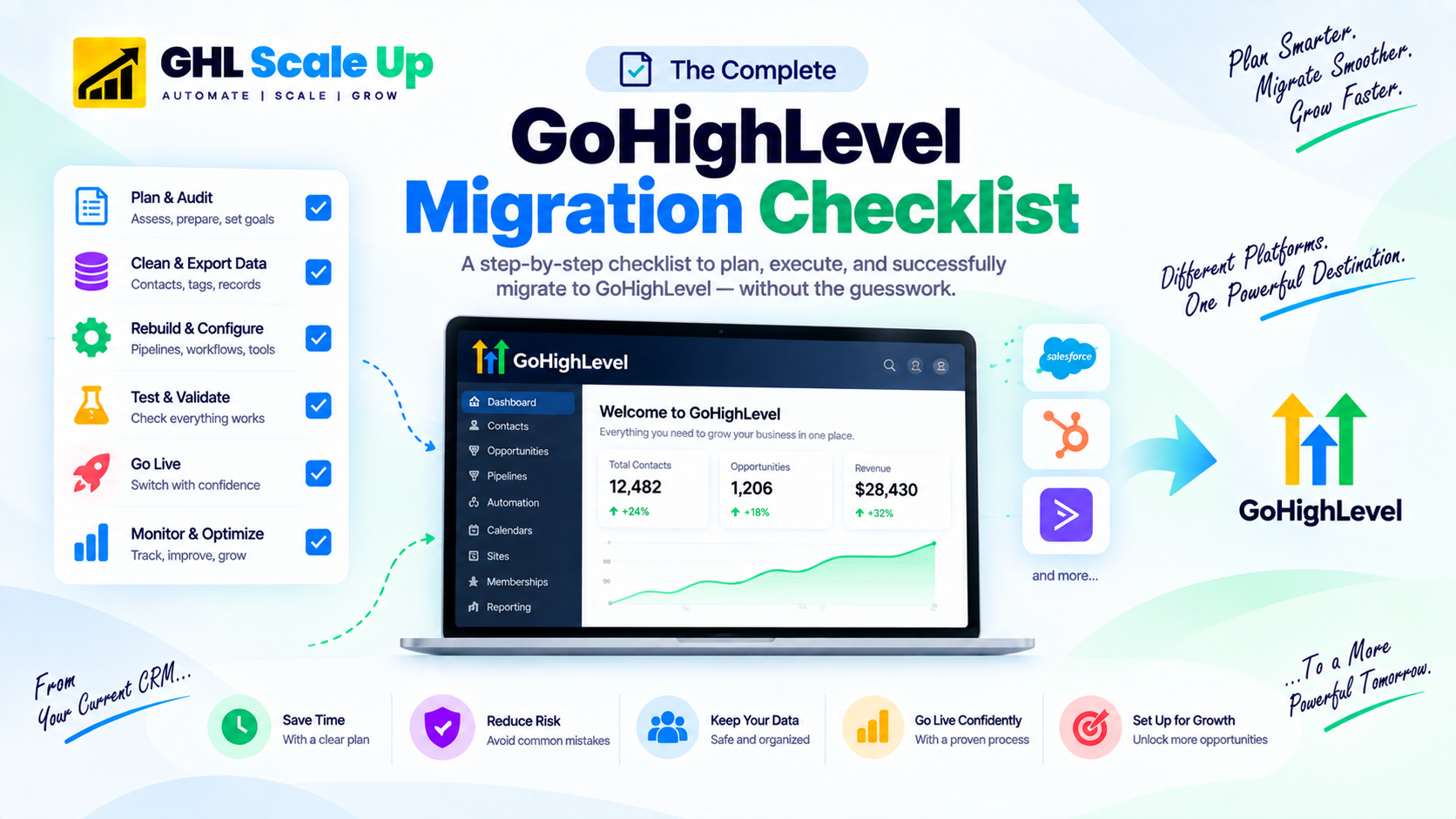
A complete checklist covers six phases: pre-migration audit, GHL infrastructure setup, data export and cleaning, automation rebuild, testing and parallel running, and go-live with post-launch monitoring. Two additional gates a pre-migration readiness check and a ready-for-cutover check help confirm you're actually prepared before committing to each risky step.
What is the most commonly skipped step in a GHL migration?
The pre-migration audit. Teams are eager to start importing data and rebuilding in GHL, so they skip documenting what currently exists which makes it much harder to catch a missing automation or integration before it becomes a problem mid-migration. The second most commonly skipped step is end-to-end testing before go-live.
How long should I run both platforms in parallel during migration?
A minimum of 2 weeks is a reasonable baseline. During this period, new leads route into GHL while contacts already in active sequences on your old platform finish naturally. Only proceed to full cutover once GHL has performed reliably for several consecutive business days.
How do I decide which integrations to migrate?
Use a Keep/Replace/Rebuild/Retire framework for every integration: Keep if it just needs reconnecting to GHL, Replace if GHL has a native equivalent, Rebuild if the logic needs recreating with GHL's own tools, or Retire if it no longer serves a purpose.
Can I use this checklist for any platform migration to GoHighLevel?
Yes. The six phases apply regardless of source platform. What differs by platform is the specific export format and which features need platform-specific handling covered in the dedicated platform-specific migration guides.
Related Articles in This Series
Want this checklist managed for you instead?
GHL Scale Up runs this exact checklist on every migration. Free 30-minute migration assessment. We review your current setup, tell you exactly what applies, and give you a realistic timeline and fixed-fee quote.
Book Your Free Assessment