

1. Why Do Businesses Migrate from Salesforce to GoHighLevel?
Businesses migrate from Salesforce to GoHighLevel primarily to reduce total cost of ownership. Salesforce's per-user licensing, admin overhead, and third-party integration stack often exceed the actual value once a team has stopped requiring enterprise-grade customization.
- Per-user pricing at scale: Salesforce per-user pricing ranges from roughly $25/user/month (Essentials) to $330/user/month (Unlimited), compounding with team size. GoHighLevel is flat-rate: $97–$497/month regardless of user count.
- Admin overhead: Salesforce typically requires ongoing admin work a certified admin or consultancy to maintain flows, page layouts, permission sets, and validation rules. GHL's simpler data model reduces this substantially.
- Third-party stack dependency: Salesforce commonly pairs with a separate marketing automation tool, a support desk, and a scheduling tool. GHL consolidates these into one platform.
- Agency and reseller model: GHL's sub-account architecture, white-labeling, and SaaS Mode let agencies resell a branded CRM to clients something Salesforce doesn't natively support without significant custom development.
GHL is not a drop-in Salesforce replacement for every business. Salesforce remains meaningfully better for multi-team enterprise sales with complex approval hierarchies, businesses with deep third-party integration requirements, companies requiring advanced native AI (Einstein/Agentforce), and regulated industries with Salesforce-native compliance products. If your team genuinely needs Salesforce-level customization, this migration may not be the right move.
2. How Does the Salesforce Object Model Translate to GoHighLevel?
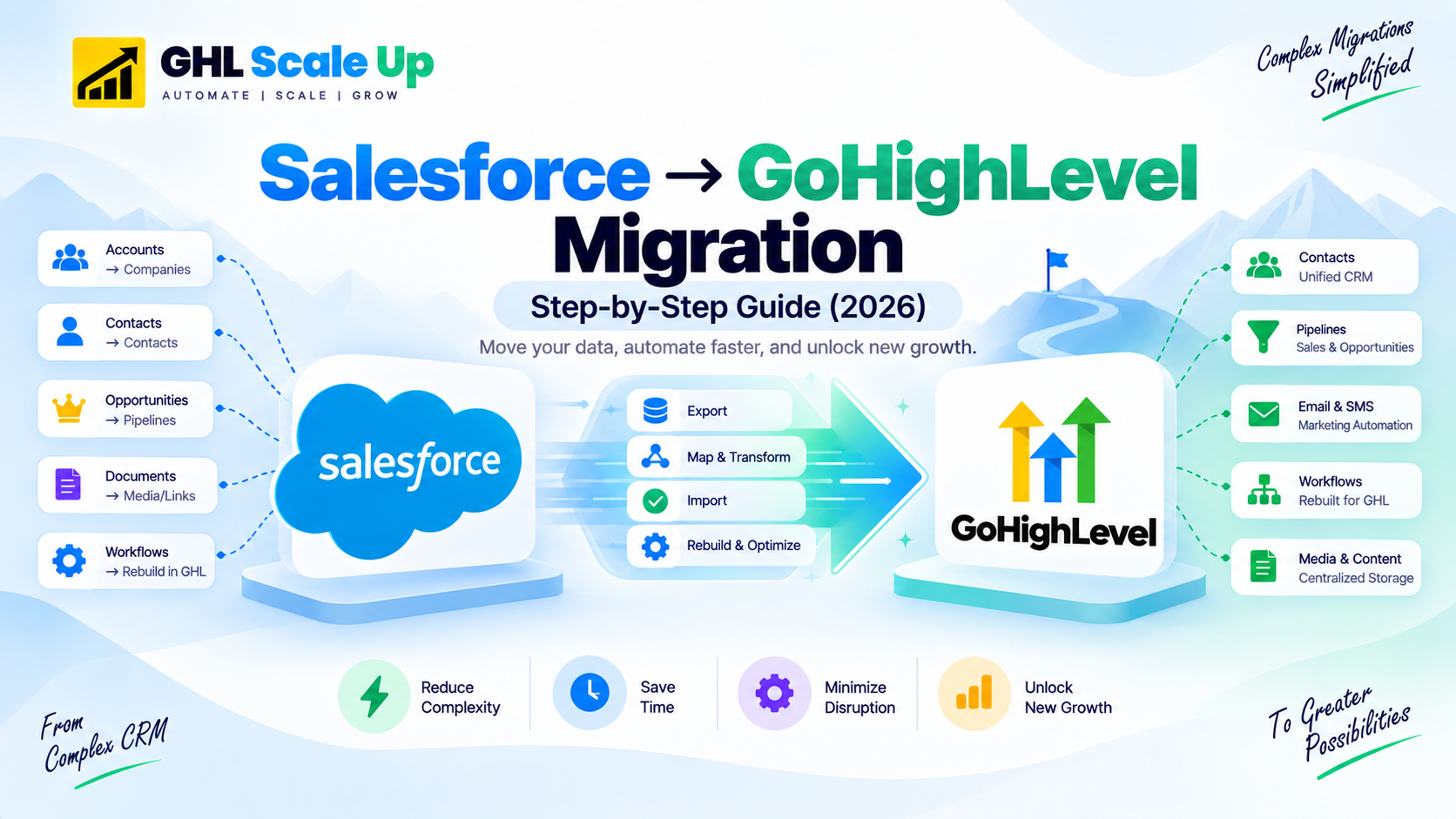
Salesforce uses a relational object model: Accounts contain Contacts, Contacts belong to Accounts, Opportunities link to both, and Custom Objects can have master-detail or lookup relationships. GoHighLevel uses a contact-centric model where the Contact is the primary record and other entities attach to it. Understanding this difference is the foundation of the entire migration.
| Salesforce Object | GHL Equivalent | Migration Strategy |
|---|---|---|
| Lead | Contact with Lead-Status tag | Import as GHL Contact, add tag "lead-source-X" matching original Lead Source |
| Contact | Contact | Direct import with all fields, associated to Company/Account via Company Name field |
| Account | Company OR Custom Object OR Custom Field | GHL Companies module for simple orgs; Custom Object for complex hierarchies; Custom Field for lightweight use cases |
| Opportunity | Opportunity in a Pipeline | Direct import; pipeline stages must be recreated in GHL first; deal values transfer as numeric fields |
| Activity / Task | Note or Custom Field on Contact | Historical activities stay in Salesforce archive; active tasks recreated as GHL notes or Custom Object records |
| Case | Contact with Support-Ticket-Status tag | GHL does not have a native Case object; simulate via tags and Custom Fields, or use GHL Custom Object |
| Campaign | Tag or Workflow | Salesforce Campaigns become GHL tags or trigger a GHL Workflow entry |
| Custom Object (each) | Custom Object OR Custom Fields on Contact | 10-object cap on GHL Custom Objects; complex objects with rare fields often better collapsed into fields |
the biggest single choice is what to do with Salesforce Accounts. Option 1: map to GHL Companies simplest, works for most SMB use cases. Option 2: map to a Custom Object preserves parent-child hierarchy but uses one of your Custom Object slots. Option 3: map to a Custom Field on the Contact lightest touch, loses relational integrity, but works if you never need Account-level rollups. Choose based on whether your business logic actually uses Account rollups (revenue by Account, all contacts at an Account) if yes, use Option 1 or 2; if no, Option 3 is faster and cleaner.
3. How Do You Export Data from Salesforce Correctly?
Salesforce offers three export methods suited to different data volumes and complexity levels.
- Data Export tool (Setup → Data Export): a full backup as a ZIP of CSVs. Best for smaller instances (under 100,000 records). Runs asynchronously with an email notification when ready.
- Reports export: create a report filtered to specific objects and fields, export as CSV. Best for selective exports. Limited to 2,000 rows in classic reports.
- Data Loader: bulk API-based export, best for large volumes (100,000+ records). Runs from your desktop, requires API access, and handles relationships and lookups correctly.
parent objects first, child objects second. Salesforce Account IDs are 18-character strings that Contacts and Opportunities reference. Exporting Contacts before Accounts leaves the Contact CSV with Account IDs you haven't extracted records for yet, making the downstream lookup impossible. Correct order: (1) Accounts, (2) Contacts, (3) Opportunities, (4) Activities, (5) Custom Objects.
4. How Do You Handle Salesforce Custom Objects in GHL?
GoHighLevel supports Custom Objects on every plan Starter, Unlimited, and Pro as of an October 2025 platform update, with a cap of 10 Custom Objects per location. Earlier guidance suggesting this was limited to paid tiers is now outdated. Supported unique field types are Single Line Text, Multi Line Text, Number, and Phone, with up to 10 unique fields per object and up to 10 unique association labels between any two objects. Opportunities now also support associations to Custom Objects directly.
Each Salesforce Custom Object needs one of three treatments in GHL:
- Full Custom Object migration: if you have fewer than 10 total Custom Objects and each needs independent queryability, create matching GHL Custom Objects. Field mapping is manual per object.
- Custom Fields on Contact: if a Custom Object is essentially additional data about a Contact (a 'Vehicle' object where each Contact has one vehicle), collapse it into Custom Fields. You lose the ability to query 'all vehicles' independently, but the model simplifies.
- Historical archive: for compliance or rarely-queried historical records (audit logs, old contract versions), export as CSV and store as an archive rather than migrating into active GHL.
businesses with 15–20 Salesforce Custom Objects must consolidate. Rank objects by frequency of active use, record count, and whether independent querying matters. Migrate the top 8–9 as GHL Custom Objects, leaving 1–2 slots for future needs, and collapse or archive the rest.
5. How Do You Rebuild Salesforce Workflows in GHL?
Salesforce automations Process Builder, Flows, Approval Processes, Workflow Rules do not export to GoHighLevel. They must be documented, then manually rebuilt in GHL's Workflow Builder using GHL's own trigger-and-action system.
| Salesforce Element | GHL Equivalent | Migration Approach |
|---|---|---|
| Process Builder | Workflow | Rebuild manually document Salesforce trigger criteria first |
| Flow (Screen Flow) | Multi-step form or workflow | No direct equivalent for screen flows rebuild logic as GHL forms + workflows |
| Flow (Autolaunched Flow) | Workflow with API trigger | Rebuild as GHL workflow triggered by tag, event, or webhook |
| Approval Process | Workflow with manual approval step | Rebuild as multi-branch workflow with task assignment and Slack/email notification |
| Validation Rules | Field constraints on GHL forms | Move validation to form-level in GHL Forms Builder |
| Assignment Rules | Round-robin action in Workflow | Use GHL round-robin action or manual assignment logic |
| Email Templates | Email templates in GHL | Copy HTML source of each active Salesforce template into GHL Marketing > Emails > Templates > HTML mode |
- Business intent: what is this supposed to achieve?
- Trigger condition: what starts it?
- Actions in order: what does it do, step by step?
- Exit conditions: when does it stop?
For each automation, document: the business intent (what is this supposed to achieve), the trigger condition (what starts it), the actions in order (what it does, step by step), and the exit conditions (when does it stop). Then rebuild in GHL's Workflow Builder using the equivalent trigger, action, wait, and branching logic. For the full GHL workflow walkthrough, see GoHighLevel's workflow automation guide.
6. Documents, Contracts, and E-Signature
This is a genuinely underserved part of most Salesforce migration guidance, including earlier guidance from GHL Scale Up itself. If your Salesforce use includes document or contract templates, quotes, or proposals with e-signature, these need a deliberate migration step: export existing templates, rebuild them in GHL's Documents feature, and reconfigure e-signature and document-tracking settings so you retain visibility into when documents are opened, viewed, and signed.
7. What Is the Dependency-Ordered Import Process?
Dependency-ordered import means loading data into GoHighLevel in the sequence that ensures parent records exist before child records reference them, preventing broken relationships in the migrated data.
- Prepare your GHL environment. Recreate all Custom Fields, Custom Objects, pipelines, and tags before any data import.
- Import Accounts as Companies (if using that mapping option). Each Company gets a GHL Company ID.
- Import Contacts linked to Companies. The Company Name field in each Contact row must match a Company created in the prior step.
- Import Opportunities linked to Contacts. Each row must reference the Contact by email or phone so GHL associates it correctly.
- Import Activities as Notes or Custom Object records. Historical activities become Notes; recent open tasks can be created manually or via a bulk workflow.
- Test-import 50–200 records first. Verify every field maps correctly, dates display correctly, phone numbers are formatted consistently, tags are attached, and Company links are intact.
- Run the full staged import only after test-batch verification passes, in batches to avoid rate limits.
For general migration pitfalls beyond what's specific to Salesforce, see 8 common GHL migration mistakes.
8. How Do You Handle Salesforce Sandbox Testing Before Cutover?
A Salesforce Sandbox is a copy of your production instance used for safe testing without touching live data.
- Refresh a Sandbox from Production (Full Sandbox on Enterprise+ editions, Partial Copy Sandbox on lower tiers) to get a current data snapshot.
- Test all three export methods in Sandbox with representative data, and note how long each takes and whether the output matches expectations.
- Practice the import in a fresh GHL test sub-account. Verify object mapping, custom field data, and relationships.
- Document any surprises field mapping issues, format conversions, unexpected data types as fixes to apply during the real migration.
- Only then run the production export and import, with the dress rehearsal already complete.
9. How Does Salesforce Migration Compare to Zoho or HubSpot?
| Factor | Salesforce | HubSpot | Zoho |
|---|---|---|---|
| Data export complexity | High (3 methods, dependency-ordered) | High (multiple export types) | Moderate (200K record limit, 7-day window) |
| Object model complexity | Very high (relational, custom objects, master-detail) | Moderate (contacts + companies + deals) | Moderate (modules, custom fields) |
| Workflow rebuild complexity | Very high (Process Builder + Flows + Approval + Rules) | High (Marketing Hub sequences) | High (Zoho-specific triggers) |
| Custom Objects handling | Critical (10-object GHL cap) | Not applicable in same form | Manageable via custom fields |
| Sandbox testing available | Yes (Enterprise+ editions) | Not applicable | Limited |
| Typical timeline | 4-8 weeks | 3-6 weeks | 2-4 weeks |
| Biggest risk | Relational data breakage from wrong-order CSV import | Data loss from complex exports | Workflow rebuild scope |
For the Zoho equivalent, see Zoho to GoHighLevel migration.
For HubSpot, see How to Migrate from HubSpot to GoHighLevel. For how Salesforce compares to every platform GHL Scale Up covers, see which platform is easiest to migrate to GoHighLevel.
10. Frequently Asked Questions
Can I automatically migrate from Salesforce to GoHighLevel?
Partially. HighLevel does publish an official Salesforce migration guide covering the general process exporting contacts, accounts, and opportunities as CSV, then importing and rebuilding pipelines and automations in GHL. What's not automatic: Salesforce Flows, Process Builder, and relational Custom Object structures have no automated import path and must be manually rebuilt.
How do Salesforce Accounts map to GoHighLevel?
Three options, depending on how your business uses Accounts. Map to GHL Companies for the simplest approach, suited to most SMB use cases. Map to a Custom Object to preserve parent-child hierarchy at the cost of one Custom Object slot. Map to a Custom Field on the Contact for the lightest touch, if you never need Account-level rollups.
What happens to Salesforce Custom Objects in GoHighLevel?
GoHighLevel supports Custom Objects on every plan, including Starter, as of an October 2025 update, with a cap of 10 Custom Objects per location. Businesses with more than 10 Custom Objects need to prioritize which ones migrate as full Custom Objects versus collapsing into Contact fields or archiving.
Do Salesforce Flows and Process Builder transfer to GoHighLevel?
No. They must be documented business intent, trigger conditions, actions in order, exit conditions and manually rebuilt in GHL's Workflow Builder. This is typically the most time-consuming phase of a Salesforce migration.
How long does a Salesforce to GoHighLevel migration take?
Typically 4–8 weeks, depending on data volume, Custom Object count, and automation complexity. A simple migration (under 10,000 contacts, minimal Custom Objects, under 15 automations) can complete in 3–4 weeks. A complex migration (100,000+ contacts, 10+ Custom Objects, 30+ automations) can take 8–12 weeks.
Should I use Salesforce Sandbox for migration testing?
Yes, whenever available. Sandbox gives you a safe environment to test export methods and field mapping without touching production data refresh from Production, test exports there, import into a fresh GHL test sub-account, document issues, then apply fixes to the real migration.
Related Articles in This Series
Ready to migrate from Salesforce to GoHighLevel?
GHL Scale Up handles the highest-complexity CRM migrations. Salesforce instance audit, object mapping strategy, dependency-ordered ETL pipeline, Sandbox testing, workflow rebuild, and 30-day post-migration support.
Book Your Free Strategy Call