

Why Do Businesses Migrate From Zoho to GoHighLevel?
Zoho CRM is a genuinely capable platform, and the decision to leave it is usually about consolidation rather than Zoho being deficient. Zoho's ecosystem is a suite of separate applications, CRM, Campaigns, Bookings, Forms, Desk, that need to be purchased and managed individually. GoHighLevel consolidates equivalent functionality into one subscription with a single contact record tying email, SMS, calls, bookings, and pipeline stages together.
- Agency architecture: GHL's sub account model manages multiple clients from one dashboard. Zoho generally requires a separate CRM instance per client.
- Native SMS and WhatsApp: built into every GHL plan. Zoho typically requires a third party SMS gateway.
- Flat pricing regardless of contact volume: Zoho's pricing scales with users and, for some products, contact volume. GHL charges a flat rate per plan.
- White label and SaaS reselling: available on GHL's higher tiers. Zoho does not offer white label reselling of its CRM.
As an illustration, imagine an agency currently paying separately for Zoho CRM, Zoho Campaigns, and Zoho Bookings across a small team. Consolidating those into a single GoHighLevel plan can meaningfully reduce total software cost while adding native SMS and AI features Zoho does not include. The actual savings depend entirely on your specific Zoho plan mix and team size, so treat this as a framework for your own comparison rather than an expected number.
None of this means Zoho is the wrong platform for every business. Zoho's individual modules, particularly its CRM customization depth, are genuinely strong. The decision usually comes down to whether unifying several tools into one platform is worth more to your business than the depth Zoho's separate modules provide.
Understanding Zoho's Data Structure Before You Migrate
Zoho CRM's core objects are Leads, Contacts, Accounts, and Deals, and they relate to each other in a specific way that GoHighLevel does not mirror directly.
- Leads are unqualified prospects. In Zoho, a Lead is typically converted into a Contact (and often an Account and a Deal at the same time) once it is qualified. In GHL, there is no separate Lead object, everything is a Contact from the start, so the practical effect of Zoho's Lead to Contact conversion has to be represented some other way, usually with a tag or a pipeline stage indicating qualification status.
- Contacts in Zoho typically represent individual people, often linked to an Account. GHL Contacts map to this most directly of any Zoho object.
- Accounts in Zoho represent a company or organization that one or more Contacts belong to. GoHighLevel does not have a dedicated Account object in the same relational sense, so Account level information is usually represented as a custom field or tag on the Contact, or, for businesses that genuinely need company level grouping, structured as a naming convention across related contacts.
- Deals are Zoho's sales records, tied to a pipeline and a stage. These map to GHL Opportunities, provided your GHL pipeline stages are built to match before you import.
Custom modules are the least straightforward part of a Zoho migration. If your Zoho account has custom modules built for a specific business process, there is no automatic equivalent in GoHighLevel. Before migrating, assess each custom module honestly: does this need to remain independently queryable as its own record type, in which case a GHL custom field structure on the Contact may need to be designed carefully to represent it, or was it created for a process that has since changed or ended, in which case it may not need migrating at all. Importing custom module data without this assessment tends to produce a GHL account with data attached to contacts in ways nobody can make sense of six months later.
Ready to consolidate your Zoho stack? Let us help you migrate without data loss.
Get a Migration Assessment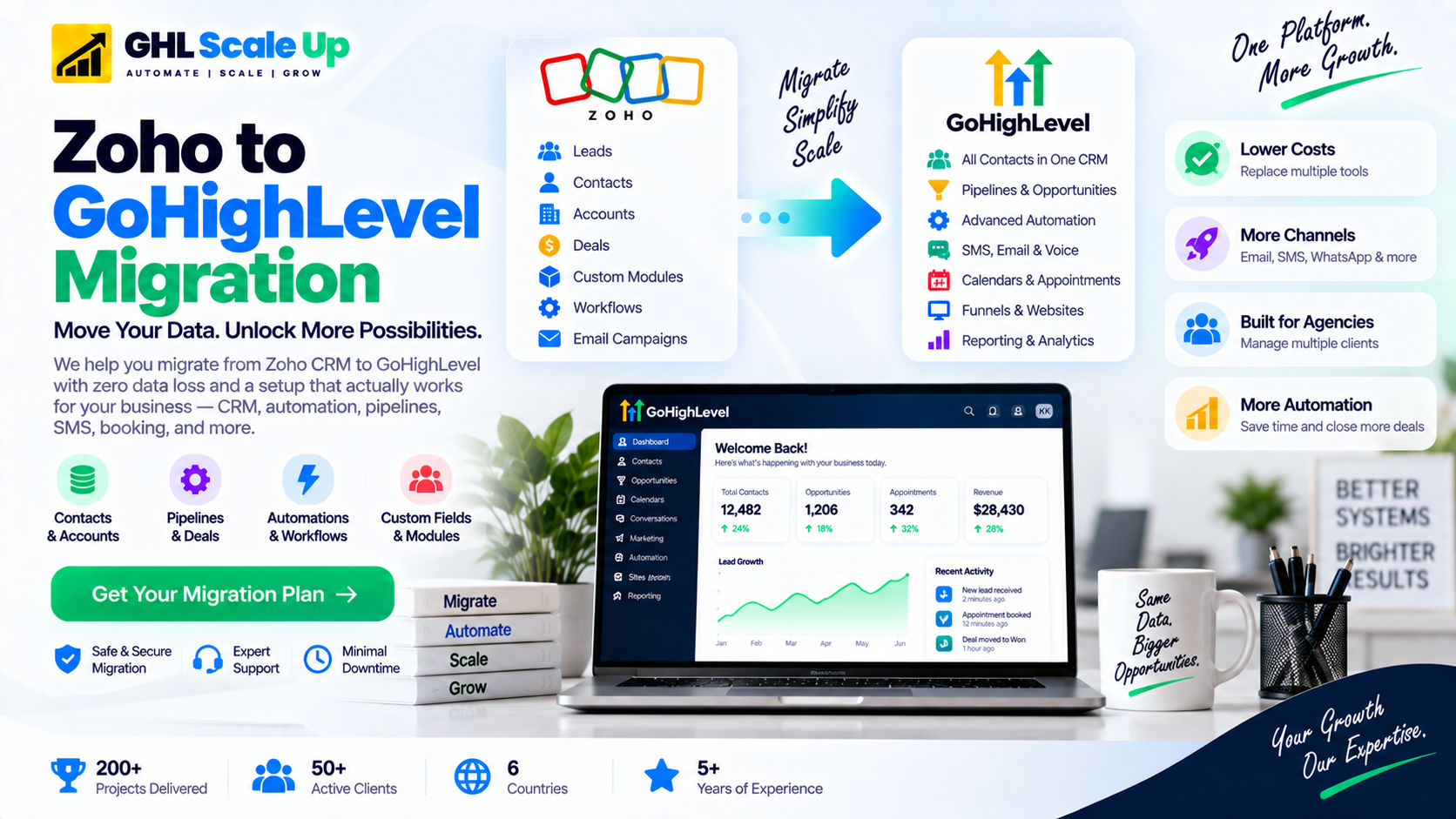
What Actually Gets Migrated? The Official Component List
GoHighLevel's own Zoho migration documentation identifies nine distinct components involved in a complete migration. Treating all nine as equally automatic is the most common planning mistake.
| Component | What It Contains | Transfer Method |
|---|---|---|
| Contacts, Leads, Accounts | Contact records, custom fields, tags | CSV export from Zoho, then CSV import to GHL with fields mapped |
| Deals | Pipeline records, stages, deal values | CSV export from the Deals module, mapped to GHL Opportunities and pipeline stages built in advance |
| Custom Modules | Business-specific record types | No direct equivalent; assess case by case, often represented as Contact custom fields |
| Users | Team accounts, roles, permissions | Manually recreated in GHL; not importable |
| Calendars | Booking pages, availability, appointment types | Manually recreated in GHL Calendar and Booking |
| Forms | Lead capture forms and fields | Manually recreated in GHL's Forms Builder |
| Contracts | Signed agreements, e-signature records | Manually re-uploaded where still needed; historical contracts generally stay in Zoho's archive |
| Sites | Landing pages, websites | Manually rebuilt in GHL's funnel or website builder |
| Automations (Workflows, Blueprints, Assignment Rules) | Triggers, actions, business logic | Not importable; documented and manually rebuilt in GHL's Workflow Builder |
| Analytics | Reports and dashboards | Manually reconfigured in GHL's reporting |
How Do You Export Data From Zoho Correctly?
- Document your Zoho custom fields. Go to Setup, then Customization, then Modules, and list every custom field per module with its data type and any picklist values.
- Navigate to Setup, then Data Administration, then Export, then Start an Export.
- Select the module (Contacts, Leads, Deals, or Accounts) and choose which fields to export. Every exported contact record needs either an email address or a phone number for GoHighLevel to accept it during import.
- Run the export, wait for the status to change to Completed in the Export History table, then download the file promptly. The download link is only available for 7 days.
- Repeat separately for each module. Do not combine modules into a single export, since each has a different field structure.
Zoho caps each export at 200,000 records, and an export always contains the oldest 200,000 records in the module. If your database exceeds this, you will need staged exports, archiving the oldest batch safely and then either removing it from Zoho or using a date filtered export to reach the next batch. Because the download link expires in 7 days, download and securely store every export immediately rather than letting it sit.
How Do You Prepare and Map Fields for GoHighLevel?
Field mapping has to happen before import, not during it. Two formatting requirements matter in particular: dates need to be in YYYY-MM-DD format regardless of Zoho's regional default, and phone numbers should be standardized to E.164 format (a plus sign, country code, then the number with no spaces or punctuation) so that GHL's SMS features work correctly against imported contacts.
- Recreate every Zoho custom field in GHL's Settings, Custom Fields area first, matching data type and any dropdown values exactly.
- Build your GHL pipeline stages to match your Zoho Deal stages before importing Deals, so historical position is preserved accurately.
- Map Zoho tags, list memberships, and segment memberships to a Tags column in your export so they carry over as GHL tags.
- Import a test batch of 100 to 200 contacts first. Confirm every field lands correctly, dates display properly, phone numbers are formatted right, and tags attach as expected before running the full import.
How Do You Rebuild Zoho Automation in GoHighLevel?
Zoho's automation tools include Workflows, Blueprints (structured, guided sales processes with mandatory steps), Assignment Rules, Cadences, scoring rules, and Custom Functions for more advanced logic. None of these export, and none have a direct one to one equivalent inside GHL. GHL's own automation model is built around Workflows using its own trigger and action system.
The right approach is documenting what each piece of Zoho automation was actually supposed to achieve, then rebuilding that outcome using GHL's tools, rather than trying to replicate Zoho's specific structure. For each workflow or Blueprint, write down the business intent, the trigger condition that starts it, the actions in order, and the condition that ends it. Then recreate that logic in GHL Automation, using the closest matching trigger and building out the action sequence.
For the full walkthrough of GHL's workflow builder, see GoHighLevel's workflow automation guide.
This rebuild is also a natural opportunity to retire automation that no longer serves a purpose. Many Zoho accounts that have been active for a few years carry Workflows or Blueprints tied to processes that have since changed, and migrating only what is genuinely active reduces rebuild time without losing anything that matters.
⚡ Don't want to rebuild Zoho Blueprints and workflows manually?
We'll document and rebuild every automation in GHL Workflow Builder.
Get Automation RebuildWhat Happens to Zoho Campaigns, Forms, and Phone Numbers?
These fall outside the standard Contacts export and each need separate handling.
Zoho Campaigns: export your email templates as HTML, or copy the template content directly into GHL's email builder. Segment lists from Campaigns become GHL tags. Before sending anything meaningful in GHL, configure your sending domain with DKIM, SPF, and DMARC, and warm the domain gradually rather than sending to your full list on day one.
Zoho Forms: these do not export into GHL Forms directly. Rebuild each form manually in GHL's Forms Builder, keeping field names aligned to your Contact custom fields, then update the embed code on your website to point at the new form.
Phone numbers: if you connected Twilio numbers to Zoho, those can generally be ported to GHL or kept on Twilio and connected through GHL's Twilio integration. If you used Zoho's own PhoneBridge or another third party gateway, you may need new numbers in GHL. Any US number used for SMS needs A2P 10DLC registration in GHL's Trust Center regardless of where it came from, and porting itself can take one to two weeks, so start this during parallel running rather than waiting until cutover.
Historical Data: What Should Actually Move
Not every historical record needs to live inside your new GHL account. Separate what you operationally need going forward, active contacts, open deals, current custom field values, from what is purely historical, closed deal history, old activity logs, past call notes. Operational data should be cleaned and imported. Historical data that has no ongoing operational use is often better handled by keeping Zoho accessible as a read only archive for a period after cutover, rather than trying to force every past record into GHL's structure.
What Is the Parallel Running and Cutover Process?
- Route new leads to GHL while existing Zoho contacts continue in their current Zoho workflows.
- Migrate contacts that are actively in open deals or active sequences, then rebuild the specific workflows they depend on in GHL.
- Validate for at least a week or two: confirm new leads are arriving correctly, workflows are firing, emails are delivering, and appointments are booking.
- Cut over fully once GHL has performed reliably for several consecutive business days, then keep Zoho active for a period afterward as a backup before final cancellation.
- Take one last full export from Zoho before cancelling, and store it securely.
For a fuller breakdown of how migration duration scales with complexity, see the GHL migration timeline guide. For the general preparation and validation framework this process builds on, see the GoHighLevel migration checklist.
Common Zoho to GoHighLevel Migration Mistakes
- Treating Leads, Contacts, and Accounts as if they were all the same object, instead of deciding deliberately how each maps into GHL's single Contact model
- Ignoring custom modules entirely, or importing their data without deciding whether it still needs to exist
- Assuming Blueprints and Assignment Rules will transfer the way Contacts do
- Exporting contacts before custom fields exist in GHL, which causes the import to drop or misplace that data
- Testing only the contact import and skipping a full journey test (a real lead capture, a real booking, a real deal moving through the pipeline)
For the broader set of mistakes that apply across any GHL migration, not specific to Zoho, see common GHL migration mistakes.
How Long Does a Zoho to GoHighLevel Migration Take?
Typical range is 2 to 4 weeks, driven primarily by the number of custom modules, the volume of automation to rebuild, and whether phone number porting is involved, more than by contact count alone. A simple account, under 5,000 contacts, minimal custom modules, fewer than 10 workflows, can complete in about a week. A complex account with heavy customization, many active workflows, and phone porting can take 4 to 6 weeks.
Should You Migrate From Zoho to GoHighLevel?
Migration tends to make sense when your business is paying for several separate Zoho products that overlap with what GHL provides natively, when you need native SMS or agency style multi client management Zoho does not offer, or when your Zoho setup has grown simpler over time than the platform itself, making the depth no longer worth the separate subscriptions.
Staying with Zoho often makes more sense when your CRM relies heavily on custom modules and Blueprints that would require significant redesign, when your team depends on Zoho specific integrations with no clean GHL equivalent, or when the complexity and disruption of migrating outweighs the consolidation benefit for your specific situation. This is not a case of one platform being universally better, it depends on how deeply your operations are built around Zoho's specific structure.
Frequently Asked Questions
Can Zoho CRM be migrated to GoHighLevel?
Yes, though not as a single automatic transfer. Contact, Lead, Account, and Deal records export as CSV and import into GHL. Users, custom modules, forms, sites, contracts, and automation logic do not transfer automatically and need to be manually recreated.
How do I migrate contacts from Zoho CRM to GoHighLevel?
Export from Setup, then Data Administration, then Export, selecting the Contacts module. Recreate your custom fields in GHL first, then import a test batch of 100 to 200 records before running the full import, checking field mapping, date formats, and phone number formatting along the way.
Can Zoho workflows and Blueprints be moved to GoHighLevel?
No. Neither Workflows nor Blueprints export or import automatically. Document each one's trigger, actions, and exit condition, then rebuild the same intent manually using GHL's own workflow builder.
What happens to Zoho custom modules during migration?
There is no automatic equivalent. Each custom module needs individual assessment: data that must remain queryable on its own is usually represented through carefully designed GHL custom fields, while data tied to a discontinued process may not need migrating at all.
What is the Zoho export limit I need to plan around?
Each export is capped at 200,000 records and always contains the oldest 200,000 in that module. Larger databases need staged exports. The download link for a completed export expires after 7 days, so download and store it promptly.
Can I keep my Zoho phone numbers after migrating?
If they are Twilio numbers, generally yes, either by porting them into GHL or keeping them on Twilio and connecting through GHL's integration. Numbers on Zoho's PhoneBridge or another gateway may need to be replaced with new GHL numbers. US numbers used for SMS need A2P 10DLC registration regardless of origin.
How long does a Zoho to GoHighLevel migration take?
Typically 2 to 4 weeks. Simple accounts with few custom modules and workflows can complete in about a week; complex accounts with heavy customization and phone porting can take 4 to 6 weeks.
Should I keep Zoho active after migrating to GoHighLevel?
Yes, for a period. Keep it active through parallel running and for a stretch afterward as a backup and historical archive before cancelling, and take one final full export first.
Related Articles in This Series
Ready to migrate from Zoho to GoHighLevel without losing data?
GHL Scale Up runs end-to-end Zoho migrations. Data audit, staged export, field mapping, workflow rebuild, phone number porting with A2P registration, and parallel running phase management.
Book Your Free Strategy Call