
What Does "GoHighLevel Opportunity Workflow Not Triggering" Actually Mean?
This phrase covers several distinct failure points, and they don't share a fix. An opportunity event that doesn't produce the expected enrollment could mean:
- The workflow is built on the wrong opportunity trigger for the event that actually happened.
- The opportunity is in the wrong pipeline, or a different stage than the trigger expects.
- The opportunity's status doesn't satisfy the trigger's qualification logic.
- The opportunity isn't associated with the contact you expect it to be.
- Additional filters tags, assigned user, custom fields exclude this specific opportunity.
- The contact's existing state blocks a new enrollment.
- The workflow actually enrolled the contact, and the real problem is downstream.
Each of these is a different diagnosis. Assuming it's always "the opportunity trigger is broken" is how a two-minute filter check turns into rebuilding a workflow that was never the problem.
Why a GoHighLevel Opportunity Record and a Workflow Enrollment Are Two Different Things
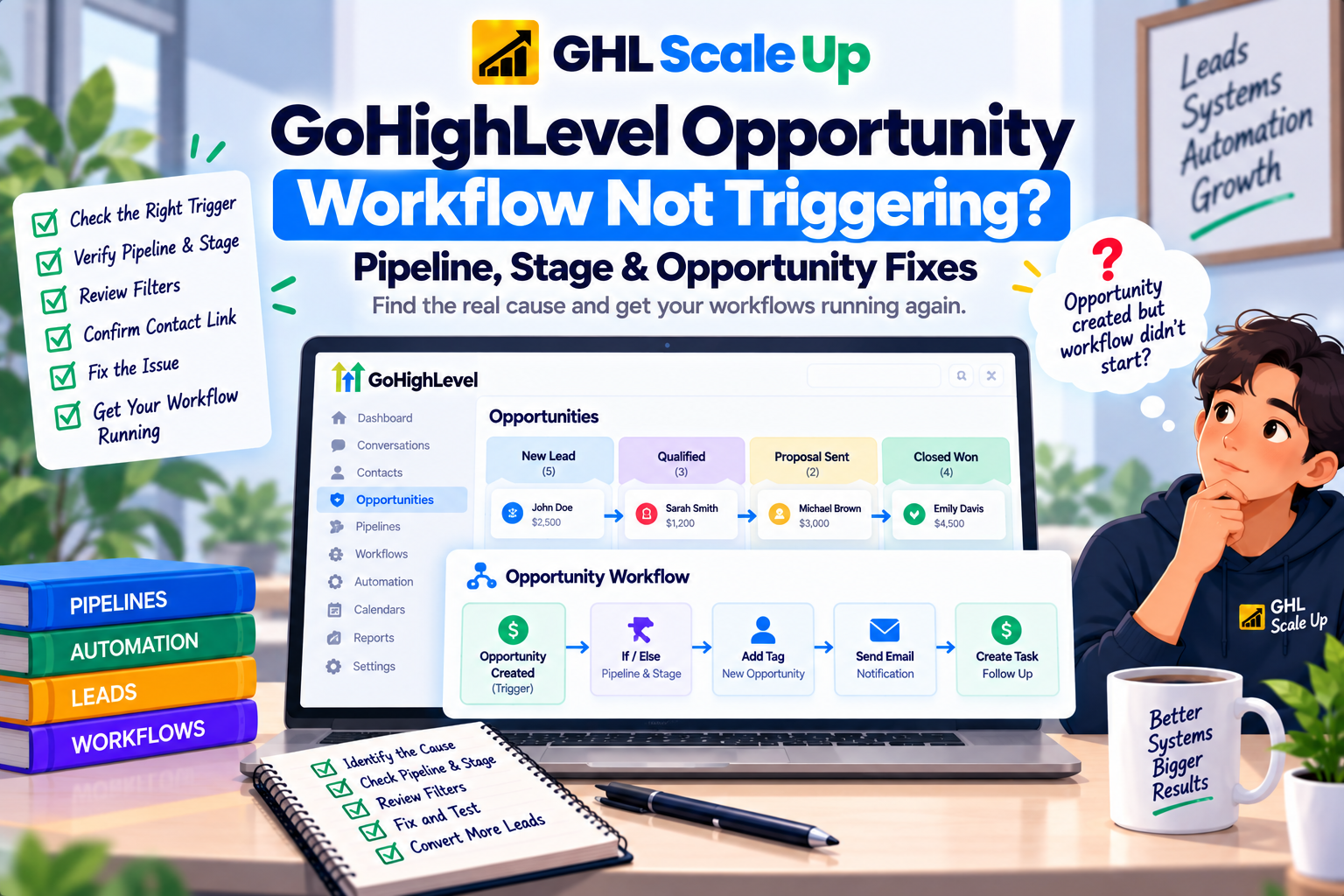
An opportunity being created, moved, or changed is one event. A contact enrolling in a workflow because of it is a separate, dependent event. The chain runs: opportunity event occurs → pipeline and stage context is established → an opportunity-based trigger evaluates the event → the trigger's filters check whether it qualifies → the associated contact is identified → enrollment occurs → execution begins.
The opportunity can exist, sit in exactly the pipeline and stage you expect, and still produce no enrollment if the workflow's trigger isn't the one that actually watches for that kind of change, or if a filter excludes it. An opportunity record existing is necessary for enrollment. It isn't sufficient.
Opportunity vs. Pipeline vs. Stage in GoHighLevel: Why the Distinction Matters for Triggers
An opportunity is the individual record a specific potential deal tied to a contact. A pipeline is the broader structure that organizes opportunities by process Sales, Onboarding, Renewals. A stage is an opportunity's current position within a pipeline New Lead, Qualified, Proposal Sent, Won.
This distinction matters directly for troubleshooting because trigger filters operate at different levels of it. A pipeline filter narrows by which sales process the opportunity belongs to. A stage filter narrows by where it currently sits within that process. Confusing "the opportunity is in the right pipeline" with "the opportunity is in the right stage" is a common source of false confidence an opportunity can satisfy one and fail the other, and a trigger checking both needs both to match.
Which GoHighLevel Opportunity Trigger Is Your Workflow Actually Using?
This is the step most troubleshooting skips, and it's usually the actual answer. GoHighLevel currently has four distinct opportunity-related triggers, and they watch for genuinely different events.
Opportunity Created fires only when a brand-new opportunity is first added not when it's updated or moved afterward. Its filters are Assigned To, Has Tag, In Pipeline, Lead Value, Lost Reason, and Status. Notice what's missing: there's no specific-stage filter. If you need a workflow to fire when a new opportunity lands in a particular stage, Opportunity Created is the wrong trigger for that job regardless of how it's configured.
Pipeline Stage Changed is the trigger built specifically for stage movement it fires when an opportunity moves to a different stage within a pipeline, with Assigned To and Tag filters. This is the trigger for "when an opportunity reaches Proposal Sent" style automation.
Opportunity Changed watches for status changes on an opportunity, using operators Is, Is Not, Has Changed, Has Changed To against the opportunity's status, plus tag and custom-field filters. This is the trigger for "when an opportunity is marked Won" or "when status changes away from Open."
Stale Opportunities is a genuinely different kind of event: it fires based on inactivity, using a configured duration-in-days threshold plus pipeline and stage filters, rather than responding to any single change at all.
A workflow built on the wrong one of these four will either never fire for the event you actually care about, or fire for a different event than you intended. Confirming which trigger a workflow uses is often faster than checking every filter on the wrong one.
How GoHighLevel Pipeline and Stage Filters Can Block a Qualifying Opportunity
Beyond trigger selection, the pipeline and stage filters on whichever trigger you're using have to match the opportunity's actual pipeline and stage precisely. A trigger scoped to a specific pipeline won't fire for an opportunity in a similarly-named pipeline in a different part of the account a common issue for businesses running parallel pipelines for different teams or services. The same applies to stage names: if two pipelines both have a stage called "Qualified," a trigger scoped to one pipeline's "Qualified" stage won't respond to the other's, even though the stage name looks identical in the dropdown.
How GoHighLevel Opportunity Status Affects Workflow Triggering
Status and stage are related but distinct. An opportunity's status (commonly Open, Won, Lost, or Abandoned) can change independently of which stage it's sitting in, and the Opportunity Changed trigger's operators Is, Is Not, Has Changed, Has Changed To determine exactly which status transition qualifies. A trigger configured with "Has Changed To: Won" will not fire when an opportunity's status changes to Lost, even though both are status changes on the same opportunity. Don't assume "the status changed" is specific enough information confirm it changed to the exact value the trigger is watching for.
How Contact Association Affects GoHighLevel Opportunity Workflow Enrollment
Every opportunity is tied to a contact, and workflow enrollment happens for that contact as a result of the opportunity event not for the opportunity as an independent record. If an opportunity was created or moved but somehow associated with a different contact than the one you expected (a duplicate contact record, a manually reassigned opportunity), the workflow may enroll the "wrong" contact from your perspective, or the contact you're checking may show no enrollment because the opportunity was never actually tied to them. When enrollment doesn't match expectations, confirm which contact the opportunity is actually associated with before assuming the trigger itself failed.
How Multiple GoHighLevel Opportunities Can Complicate Workflow Troubleshooting
A single contact can have more than one opportunity across different pipelines, or multiple opportunities within the same pipeline over time. This matters for troubleshooting because checking "does this contact have an opportunity in the right stage" from the contact record isn't the same as confirming which specific opportunity generated the event you're investigating. If a contact has two opportunities and one qualifies for a trigger while the other doesn't, a diagnosis based only on the contact's current overall state can miss which one actually mattered. When multiple opportunities are involved, identify the specific opportunity tied to the event in question rather than reasoning from the contact record alone.
How Existing Contacts and Workflow Re-Entry Affect Repeated GoHighLevel Opportunity Events
A returning contact generating a new opportunity event doesn't automatically behave the same as their first one. Whether a second enrollment occurs depends on the workflow's re-entry configuration and the contact's current state in that workflow a genuinely different diagnostic path than trigger or filter troubleshooting. Note also that simply updating an existing opportunity's details while it's active in a workflow does not restart that workflow; it continues from wherever it currently is. When the actual problem is "this worked once, but the same contact's next opportunity event didn't re-enroll them," the deeper mechanics belong in GoHighLevel Workflow Re-Entry Explained rather than this article.
How to Test a GoHighLevel Opportunity Workflow Trigger With a Controlled Opportunity
- Confirm the workflow is Published.
- Confirm which of the four opportunity triggers it uses Created, Changed, Pipeline Stage Changed, or Stale Opportunities.
- Confirm the pipeline and stage filters match exactly where your test opportunity will live.
- Confirm status, tag, and any custom-field filters match the scenario you're testing.
- Use a contact you can control, ideally with no prior history in this workflow.
- Create or move the opportunity through the actual path real opportunities take.
- Verify the opportunity's resulting pipeline, stage, and status.
- Check whether the contact enrolled in the workflow.
- If enrolled, stop diagnosing the trigger confirm what happened during execution instead.
- If not enrolled, work back through trigger selection, pipeline/stage match, and filters.
Confirming an opportunity exists in the right stage proves the opportunity is correctly positioned it doesn't prove the configured trigger caught the event that put it there, especially if the opportunity was manually placed into that stage rather than moved into it through the transition the trigger watches for.
How to Confirm Whether a GoHighLevel Opportunity Actually Enrolled the Contact
This is the boundary the whole article works toward. Open Enrollment History for the contact tied to the opportunity you're troubleshooting. No enrollment record means the problem is upstream trigger selection, pipeline, stage, status, or filters. An enrollment record means the opportunity trigger did its job, and continuing to adjust pipeline or stage filters won't change anything, because they already worked. The full method for reading that evidence is in Enrollment History and Execution Logs; if enrollment is confirmed and a later action still didn't happen, that's covered in GoHighLevel Workflow Triggered but Not Working.
Common Reasons a GoHighLevel Opportunity Does Not Enroll a Contact in a Workflow
| Symptom | Likely Cause | What to Check |
|---|---|---|
| New opportunity created, no enrollment | Wrong trigger (e.g., expecting stage-specific behavior from Opportunity Created) | Which of the four opportunity triggers the workflow actually uses |
| Opportunity moved to the right-looking stage, nothing happens | Similarly-named stage in a different pipeline | Exact pipeline scoping, not just stage name |
| Status changed, workflow didn't fire | Opportunity Changed trigger's operator doesn't match this exact transition | The Is/Is Not/Has Changed/Has Changed To configuration |
| Opportunity exists, wrong (or no) contact enrolled | Opportunity associated with an unexpected contact | Which contact the opportunity is actually tied to |
| Works for one contact's opportunity, not another's | Contact has multiple opportunities; wrong one is qualifying | Which specific opportunity generated the event |
| Returning contact's new opportunity doesn't re-enroll them | Contact still active in the workflow, or re-entry disabled | Current enrollment state and Allow Re-entry |
| Opportunity sits inactive with no follow-up | Workflow uses Opportunity Created/Changed instead of Stale Opportunities | Whether a Stale Opportunities trigger is actually needed |
| Enrollment confirmed, expected action didn't happen | No longer a trigger problem | Execution evidence for that specific run |
Choosing the Right GoHighLevel Opportunity Trigger for Your Automation
Matching the trigger to the actual business event prevents most of the problems above before they happen:
| Business Event | Recommended Trigger | Why |
|---|---|---|
| New lead needs an immediate follow-up sequence | Opportunity Created | The event you care about is the record's first appearance |
| A deal reaching a specific stage should launch stage-specific actions | Pipeline Stage Changed | This is the trigger built for stage movement the single most common mismatch |
| You need to react to a status outcome specifically (Won, Lost) | Opportunity Changed | Uses the appropriate Has Changed To operator for the status outcome |
| Deals are going quiet and need a nudge | Stale Opportunities | Watching for the absence of activity rather than a specific change |
Combining pipeline and stage filters tightly is usually better than adding more downstream conditions inside the workflow a trigger that only fires for genuinely relevant events keeps the enrollment history clean and the diagnostic trail simple if something later needs troubleshooting.
Common Mistakes When Diagnosing a GoHighLevel Opportunity Workflow That Isn't Triggering
- Using Opportunity Created for stage-specific automation. It only fires on the opportunity's first creation it has no stage filter to catch later movement.
- Assuming "opportunity exists in the right stage" proves the trigger fired. Manual placement into a stage and a tracked transition into that stage aren't the same evidence.
- Not checking which of the four triggers is actually configured. They watch for different events entirely, not variations of the same one.
- Diagnosing from the contact record when the contact has multiple opportunities. Identify the specific opportunity tied to the event first.
- Treating every repeat opportunity event as a re-entry problem, when the underlying trigger or filter match may be the actual cause.
- Changing pipeline, stage, and status filters simultaneously while troubleshooting, which erases the ability to tell which condition actually blocked enrollment.
- Concluding the workflow enrolled the contact because the opportunity looks correct, rather than checking Enrollment History directly.
When a GoHighLevel Workflow Problem Isn't Actually About the Opportunity Trigger
- The workflow doesn't trigger for anything, opportunities included → GoHighLevel Workflow Not Triggering? Find the Fix
- The workflow worked before, but a returning contact's new event won't re-enroll them → GoHighLevel Workflow Re-Entry Explained
- Enrollment History confirms the contact entered, and you need to inspect the run itself → Enrollment History and Execution Logs
- The contact enrolled, but a later step didn't behave as expected → GoHighLevel Workflow Triggered but Not Working
- The problem is actually a form submission, not an opportunity → GoHighLevel Form Submitted Workflow Not Triggering
- The problem is actually an appointment event, not an opportunity → GoHighLevel Appointment Workflow Not Triggering
The Core Diagnostic Principle for a GoHighLevel Opportunity Workflow That Isn't Enrolling Contacts
An opportunity event and a workflow enrollment are related but separate outcomes, connected by which of the four opportunity triggers the workflow actually uses, whether its pipeline, stage, and status filters match, and which contact the opportunity is genuinely associated with. Confirm the event happened, confirm the workflow is listening for that exact trigger and configuration, and check Enrollment History as the evidence for whether it actually worked. Once enrollment is confirmed, the opportunity trigger has done everything it's responsible for anything left to diagnose belongs to execution, not the trigger.
Frequently Asked Questions About GoHighLevel Opportunity Workflows That Don't Trigger
Why is my GoHighLevel opportunity workflow not triggering?
Most often because the workflow is built on the wrong opportunity trigger for the event that occurred Opportunity Created, Opportunity Changed, Pipeline Stage Changed, and Stale Opportunities all watch for different things or its pipeline, stage, or status filters don't match the actual opportunity.
Why does my opportunity enter the correct stage but not trigger the workflow?
If the workflow uses Opportunity Created, it has no stage filter and only watches for the opportunity's first creation. Stage-specific automation needs the Pipeline Stage Changed trigger instead.
Can a pipeline stage change trigger a GoHighLevel workflow?
Yes, specifically through the Pipeline Stage Changed trigger, which is built for that exact event and supports Assigned To and Tag filters.
Why does the opportunity exist but the contact is not entering the workflow?
Confirm the opportunity is actually associated with the contact you're checking an unexpected contact association, or a filter that excludes this specific opportunity, can both produce this symptom.
Can multiple opportunities affect workflow enrollment?
Yes. If a contact has more than one opportunity, diagnosing from the contact record alone can be misleading identify which specific opportunity generated the event before troubleshooting further.
Does an existing contact need re-entry enabled for opportunity workflows?
Only when the contact is already enrolled or has completed a prior run and you need a new opportunity event to enroll them again that's governed by Allow Re-entry, not by the opportunity trigger itself.
How can I verify whether an opportunity workflow actually enrolled the contact?
Check Enrollment History for that contact. A recorded enrollment confirms the trigger worked; its absence means the problem is upstream, in trigger selection, pipeline, stage, status, or filters.
What if the workflow enrolled but the expected action did not happen?
That's no longer an opportunity trigger problem it's an execution issue, covered in the workflow execution troubleshooting article.
Related Articles in This Series
Need Help Fixing an Opportunity Trigger Issue?
We diagnose and fix GoHighLevel opportunity trigger issues for agencies and businesses.
Book Your Free Troubleshooting Session
GHL Scale Up is a specialised GoHighLevel implementation and SaaS growth agency. Based in India, we serve agencies and businesses across 6 countries with 200+ GoHighLevel builds delivered. This guide reflects direct experience troubleshooting opportunity trigger issues across hundreds of GHL accounts. All troubleshooting details verified against official documentation as of September 2026.
ghlscaleup.com